
SMS and Notifications
Customers get an automatic text message when a booking is confirmed, a payment is received, a payment runs late and shortly before an option expires. You write the wording, and every message sent is logged.
Four Automatic Messages
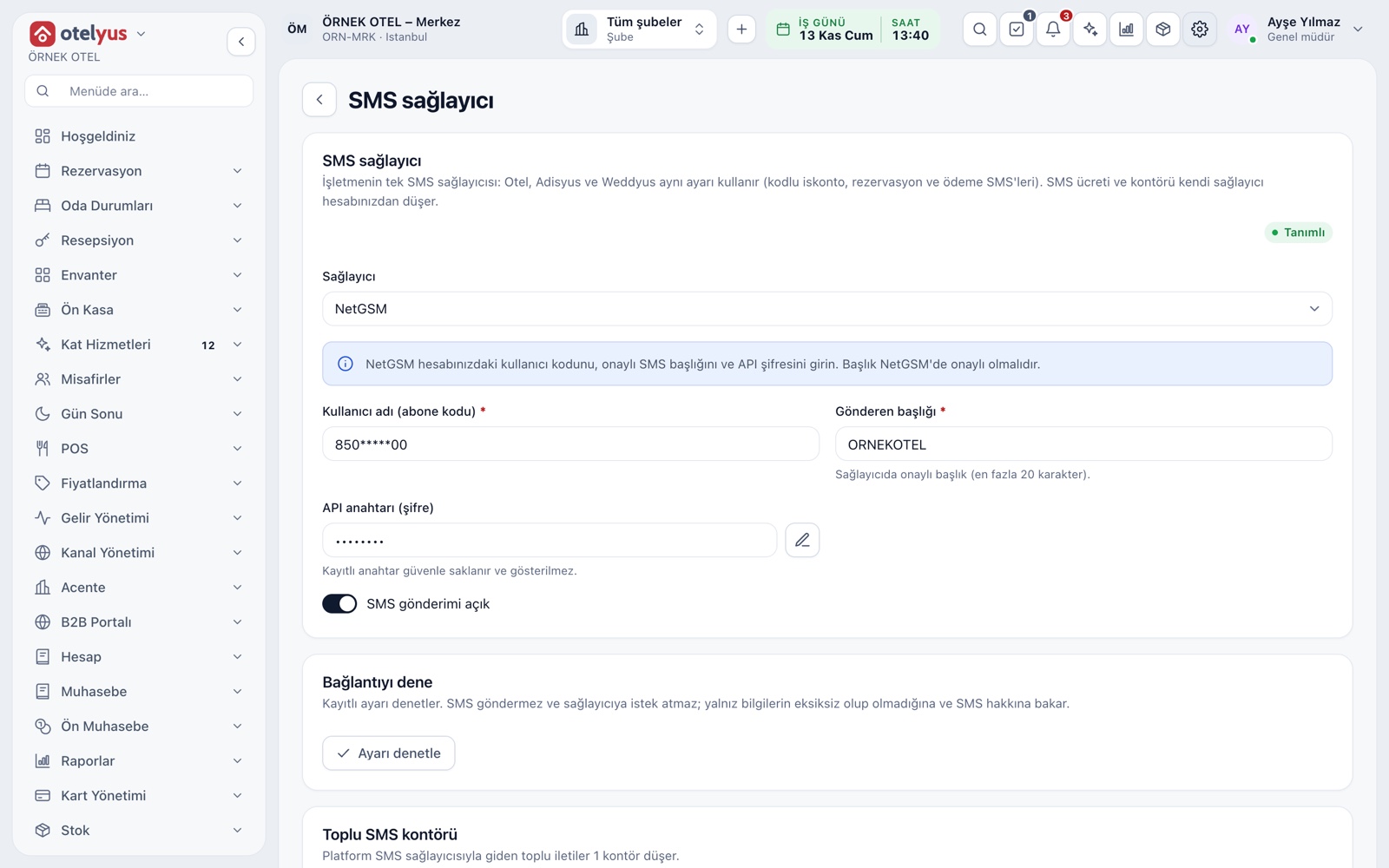
Customers receive a text message in four situations: when a booking is confirmed, when a payment is received, when a payment is overdue and shortly before an option runs out. Messages go through your business's own SMS provider account, set up once and shared by the hotel, restaurant and venue products.
- Switch each message on or off separately.
- With the master switch off, no automatic SMS is sent.
- The settings screen warns you if no SMS provider is set up.
Templates in Your Own Words
You write the text of every message. Fields such as the customer name, date, venue, amount paid and balance can be placed in the text, and they are filled in with the booking's details when the message goes out. Ready-made texts are included, and you can restore them whenever you like.
- Add the customer name, event date, venue and session.
- Include the amount paid and the balance due.
- A message can be up to 480 characters; a counter shows as you type.
- Changes affect only the messages sent from then on.
Option Expiry
An optional booking has an expiry date, taken from your business's option setting (7 days by default). When the time is up, the booking lapses by itself and the venue is open for sale again. The customer gets a reminder before expiry, on the day you choose.
- The option period can be set from 1 to 365 days.
- The booking card shows how many days are left.
- A lapsed option is not deleted; reports count it separately.
Note Link for the Customer
An optional note link can be added to the SMS. When the customer opens it, they see the event date, venue and time together with the note you wrote, such as directions, parking or the programme. The customer's name, phone number and payment details are not shown on this page.
- Create the link from the booking card with one tap.
- Each link is time-limited and tied to a single booking.
- You can cancel it at any time.
Send Log and Manual SMS
The booking card lists every SMS sent for that event, with its time, type, recipient and status. If a message was not sent, the reason is written next to it, for example a missing phone number or a customer who opted out. When needed, you can send a manual SMS from the same place.
- Sent, not sent and failed messages are shown separately.
- The same SMS is never sent twice.
- Manual messages are recorded in the same log.
Messages Beyond SMS
Automatic customer notifications go out by SMS. The digital invitation link opens with a ready-made WhatsApp text, the price list is prepared as a WhatsApp message or a PDF, and the payment link is sent by email. Reminders for your team appear inside the app.
- Share the invitation and price list on WhatsApp in one tap.
- Send the online payment link by email.
- Team reminders arrive as in-app notifications.
Modules used together
Deposits and Installment Collection
Payment plan, collection, receipt and reminders
Learn moreReceivables and Overdue Tracking
Outstanding balances, overdue payments and alerts
Learn moreVenue Calendar and Booking
Day/night calendar, option periods, conflict warnings
Learn moreLeads and Customers
Lead card, meeting notes and conversion to customer
Learn moreEvent Operations
Staff, equipment and task lists
Learn moreFrequently Asked Questions
What if a customer does not want to receive SMS?
The message is not sent and the reason shows in the log. You can also switch off all automatic notifications with the master switch.
Who pays for the SMS?
Messages go through your own SMS provider account, so the cost and credits come from that account.
Can customers see their personal details on the note link?
No. The page shows only the event details and the note you wrote. Name, phone, amounts and payment details never appear.
Which language are the messages sent in?
The ready-made texts use the property's default language. You can replace them with your own wording at any time.
Meet SMS and Notifications
Let us call you for a live walkthrough, or try it free for 1 month.