
Table and Seating Plan
The table and seating plan lets you seat guests at tables and share the layout with your crew. Guest counts, digital invitations and RSVP totals work on the same booking.
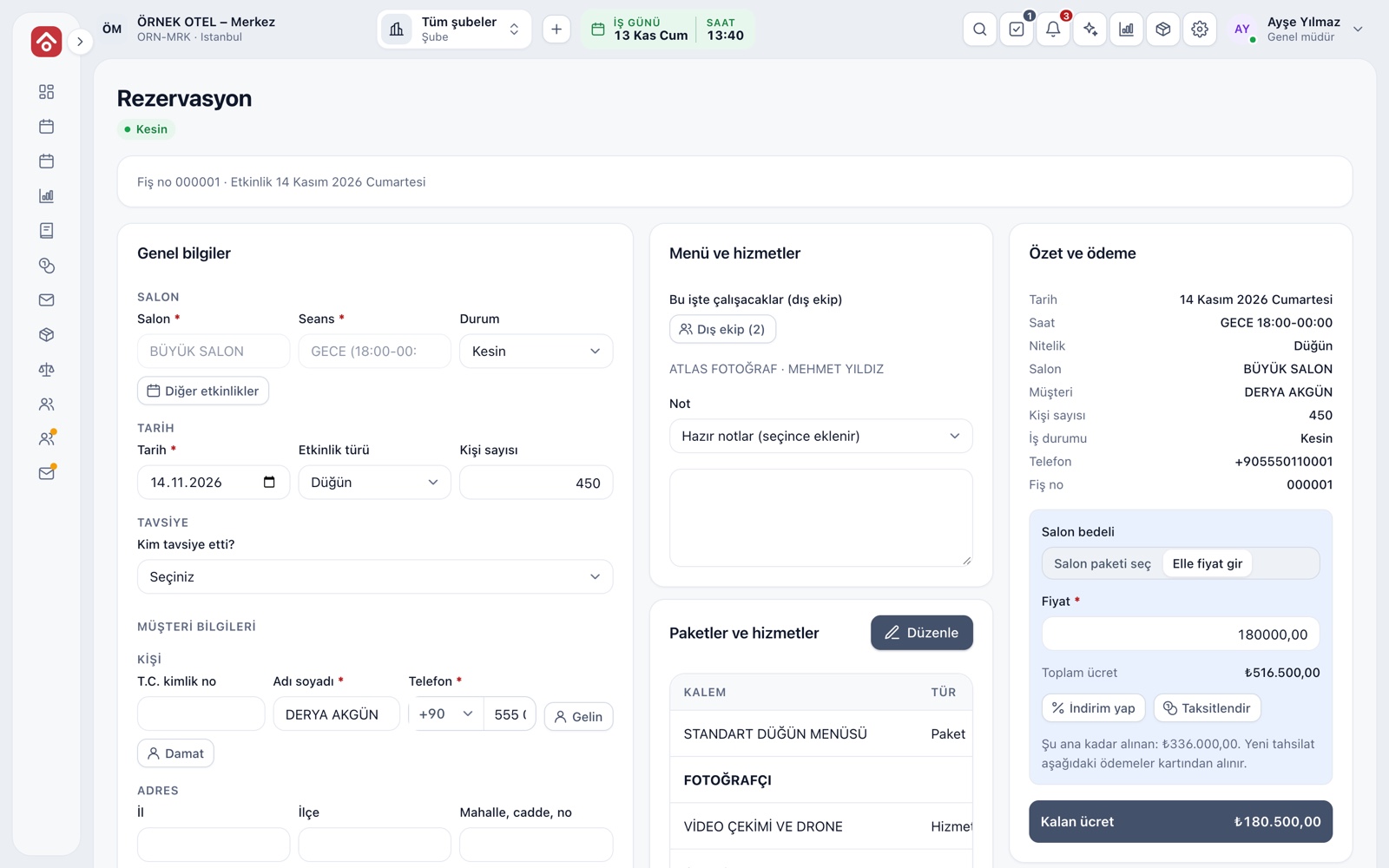
The plan starts with guest counts
Three numbers are tracked on every booking: expected, guaranteed and actual guests. If no guarantee is given, the expected count counts as guaranteed. The billed count follows the business's rule, and package and product quantities come from it. It is also the first input to the seating plan.
- Guest counts are entered on the booking card and depend on permission
- The billed-count rule is chosen in wedding settings
- Reports take the guest total from confirmed jobs only
Guest list
A guest list is kept for every booking: name, relationship group (family, business, friends), party size, attendance status and special note. The list total is compared with the guaranteed guest count on the booking.
- Guest card: name, group, party size and note
- Attendance: invited, confirmed, not coming, pending
- Special requests: child seat, dietary note
Table setup and seating
Table types, capacities and numbers are defined, guests are dragged onto tables, and table occupancy is shown. The drawing works on the venue's floor sketch, so the venue team answers who sits where on one screen.
- Table templates: round, rectangular and head table
- Warnings for over-capacity tables and unseated guests
- A saved layout is reused for the next event in the same venue
Printouts and sharing with the crew
The plan has printable outputs: an alphabetical guest list for the welcome desk, a table summary for the serving team and table cards. The welcome desk finds each guest's table at once, and the serving team has the head count and dietary notes for every table.
- Welcome list: sorted by name, with table numbers
- Service summary: guests per table and dietary notes
- Table card and table number printing
Digital invitation and RSVP
For a confirmed booking the customer receives a link, picks a template, fills in details and sends the invitation to guests. Guests reply through the link. The venue sees only totals: how many are coming, how many are not and how many have replied.
- Available for weddings, engagements, henna nights and circumcision parties
- The couple chooses whether to share reply totals with the venue
- RSVP counts never change the guest count or price on their own
Personal data and permission
Guest names are personal data. In the invitation flow, names stay visible only to the couple and are deleted after the event. Access to the guest list needs its own permission, and outside crew see only layout information that holds no personal data.
- The guest list is protected by a separate permission
- Guest names and messages are deleted 30 days after the event; totals remain
- The guest page asks for no phone or email
Modules used together
Event Order (BEO)
Event order sheet: program, menu, layout and responsibilities
Learn moreEvent Operations
Staff, equipment and task lists
Learn moreWedding Tracker
One file for every event
Learn moreVenues and Spaces
Capacity, layout types, combinable spaces, pricing
Learn morePackages and Menu Planning
Wedding packages, menu, beverages, cake and decoration items
Learn moreFrequently Asked Questions
Does the guest count affect the price?
Yes. The guaranteed and actual counts decide the billed count by the rule you choose, and package quantities follow. RSVP counts do not change the price on their own.
Can the venue see guest names from the invitation?
No. In the invitation flow, names and messages stay with the couple; the venue sees only totals.
Can I print the seating plan?
Yes. A guest list for the welcome desk, a table summary for the serving team and table cards can be printed.
Can I start with weddyus without the seating plan?
Yes. Calendar, bookings, quotes and contracts, payment plans, reports and SMS notifications work independently of this module.
Meet Table and Seating Plan
Let us call you for a live walkthrough, or try it free for 1 month.