Post-Event Reports and Profitability Analysis: Which Events Really Paid Off?
A full calendar is not profit. A frame for per-event contribution, a seven-step closing checklist, the measures to track and a reporting rhythm in one guide.
Read articleEvery feature page shows what it does, with screenshots.
Day/night calendar, option periods, conflict warnings
Learn moreLead, option, confirmed, completed and cancelled statuses
Learn moreWedding, engagement, henna night, circumcision feast, conference, cocktail
Learn moreLead card, meeting notes and conversion to customer
Learn moreOne file for every event
Learn moreCongresses, seminars and corporate events
Learn moreSame-day quote, PDF from template, digital approval
Learn moreWedding packages, menu, beverages, cake and decoration items
Learn moreSound, lighting, decoration and other add-on items
Learn moreEvent order sheet: program, menu, layout and responsibilities
Learn morePayment plan, collection, receipt and reminders
Learn moreOutstanding balances, overdue payments and alerts
Learn moreRecord venue income and expenses
Learn moreCapacity, layout types, combinable spaces, pricing
Learn moreGuest list and table layout
Learn moreStaff, equipment and task lists
Learn moreAutomatic customer messages for bookings and payments
Learn moreMultiple venues and branches in one account
Learn moreOccupancy, revenue, deposit aging, conversion rate and cancellation reasons
Learn moreUniform chart of accounts, trial balance and VAT
Learn moreChart of accounts, account groups and account types
Learn moreJournal entry, corrections and voucher review
Learn moreTrial balance, balance sheet and income statement
Learn moreOpen, close and lock periods
Learn moreJournal and general ledger outputs
Learn moreElectronic documents sent through an integrator
Learn moreIssue invoices, purchase invoices, cancellations and returns
Learn moreCustomer, supplier and agency accounts, opening entries
Learn moreSupplier balances and payment plans
Learn moreCollection and payment vouchers
Learn moreBank account and cash box definitions
Learn moreStock cards, warehouses, critical stock and movements
Learn moreRequests, orders and receiving
Learn moreZone QR and location-based check-in/out (personelyus)
Learn morePayments, e-documents, SMS and AI add-ons
Learn moreZone QR and location-verified check-in/out
Learn moreUsers, roles, sessions and single sign-on (SSO)
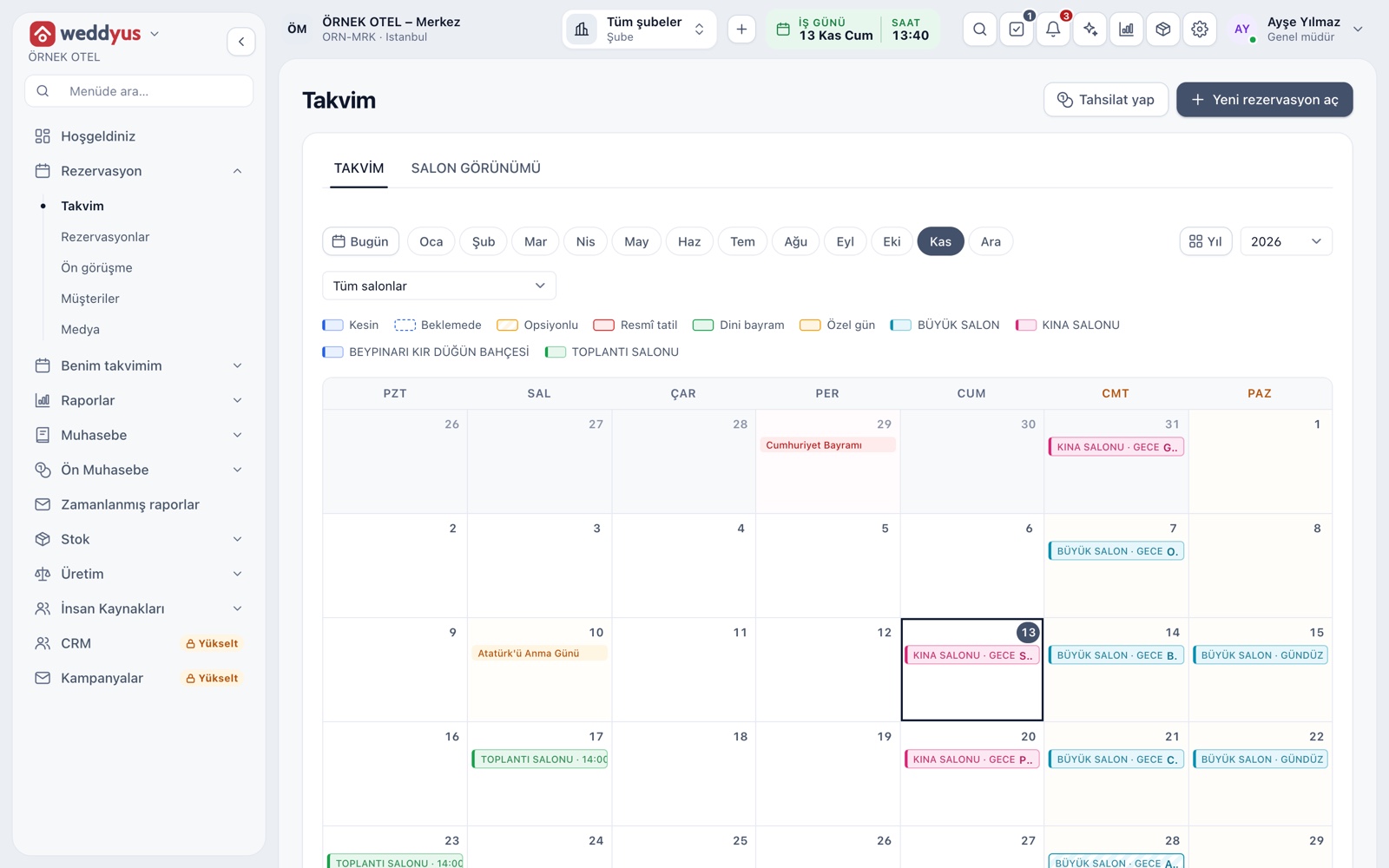
Learn moreVenue occupancy shows on a monthly calendar with day and evening sessions. Click an empty day to open a booking. Two jobs cannot be saved for the same venue and session, and a booking on option lapses on its own when the option expires, so the venue goes back on sale.
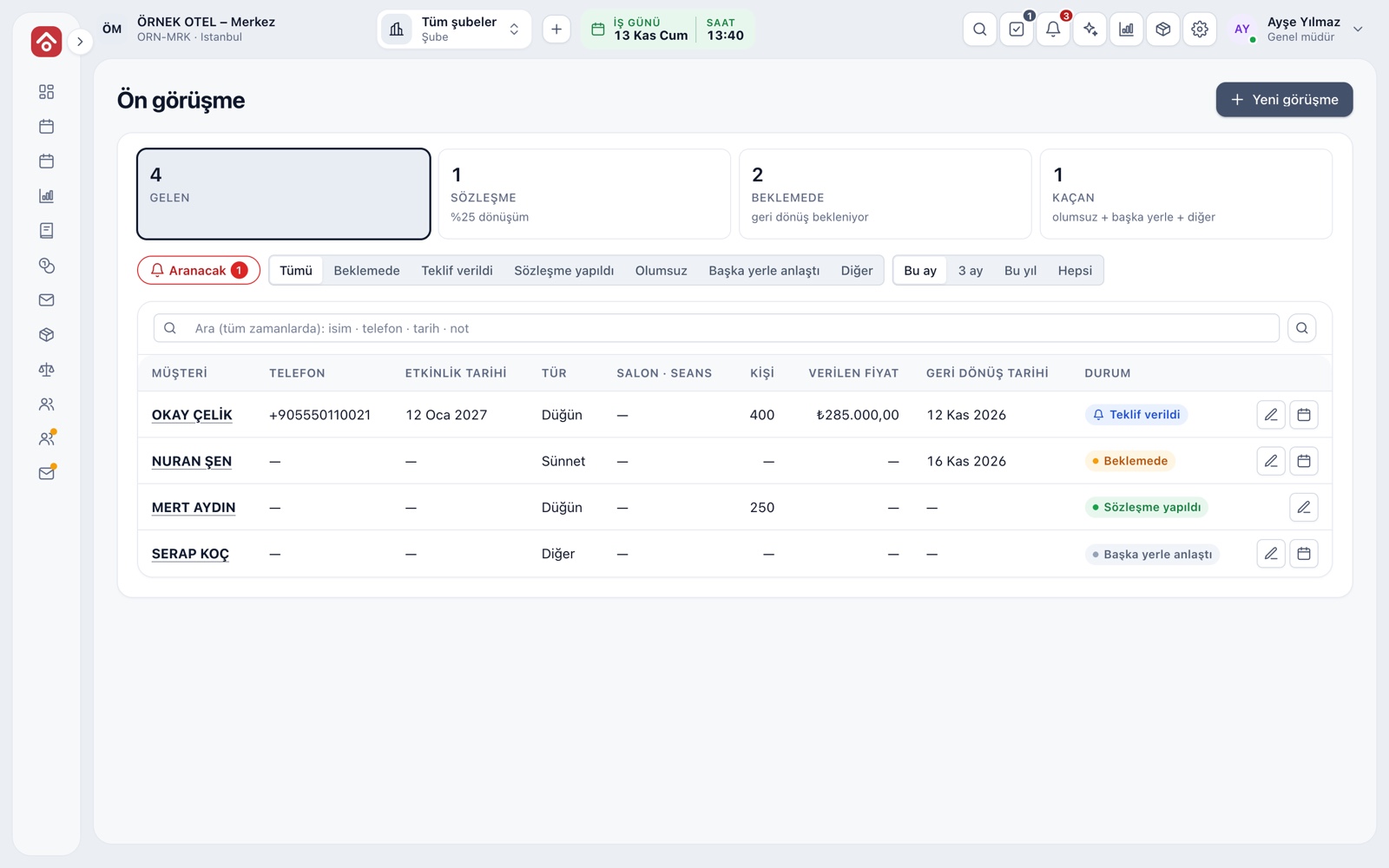
Every request that comes in by phone is logged as an inquiry. Leads whose follow-up day has come drop into the call-back list, so no call is forgotten. Write the price as a quote, put the date on option if you want to hold it, and turn a decided lead into a booking in one click.
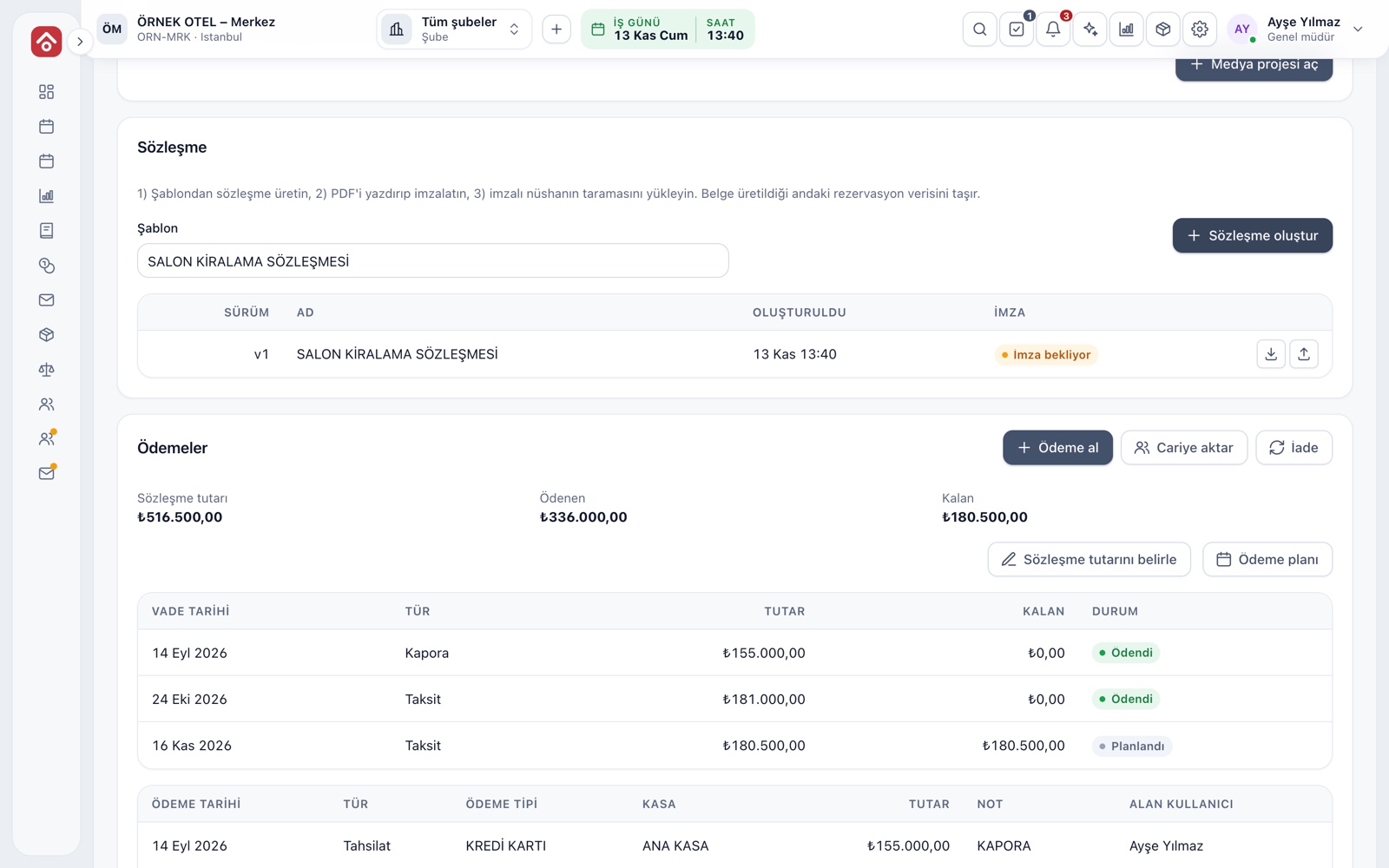
A ready template fills in the customer, date, venue, amount and payment plan from the booking and comes out as a PDF. A cancellation table shows how much of the fee is kept if the event is cancelled so many days before. You upload the scan of the signed copy to the same booking file.
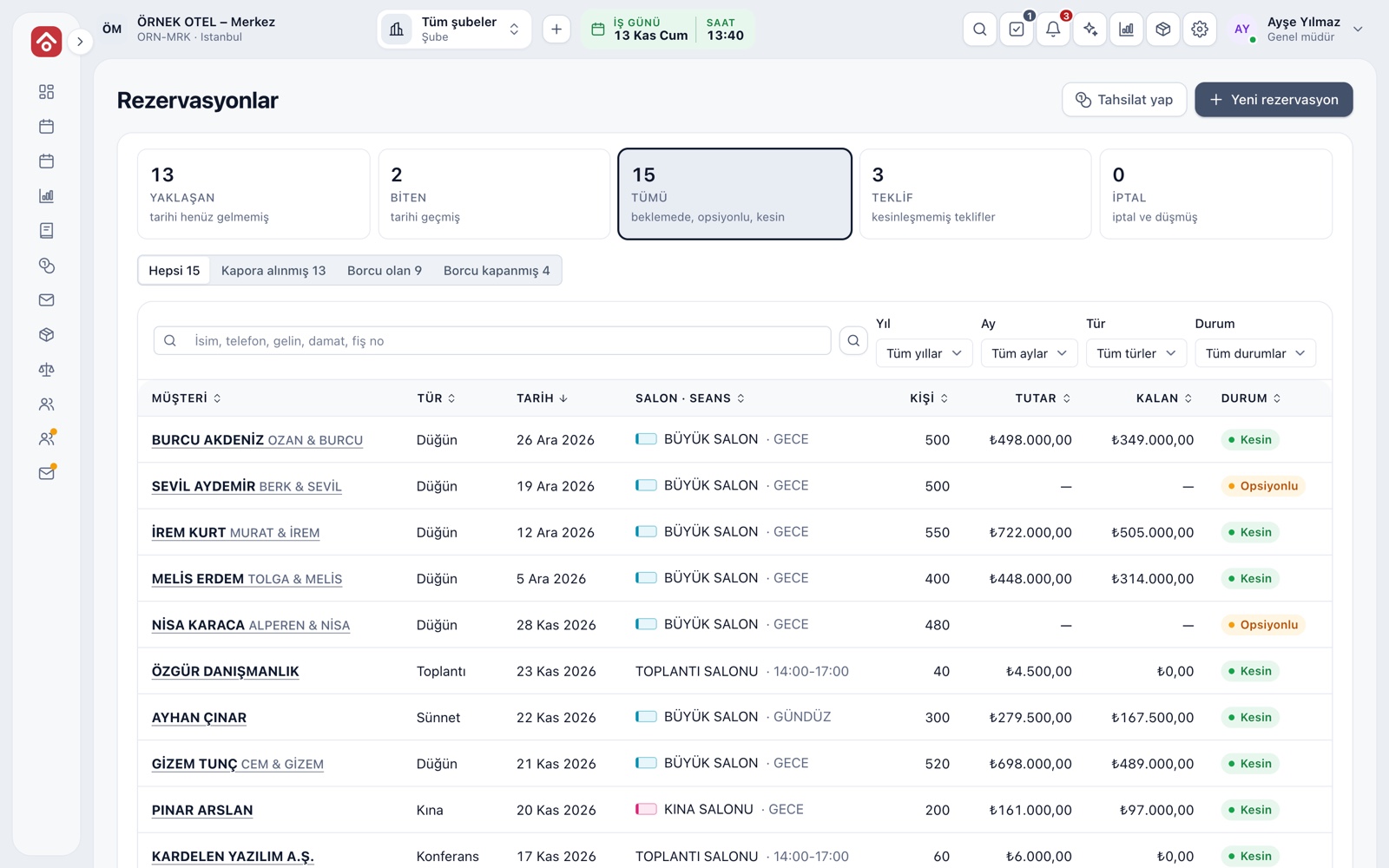
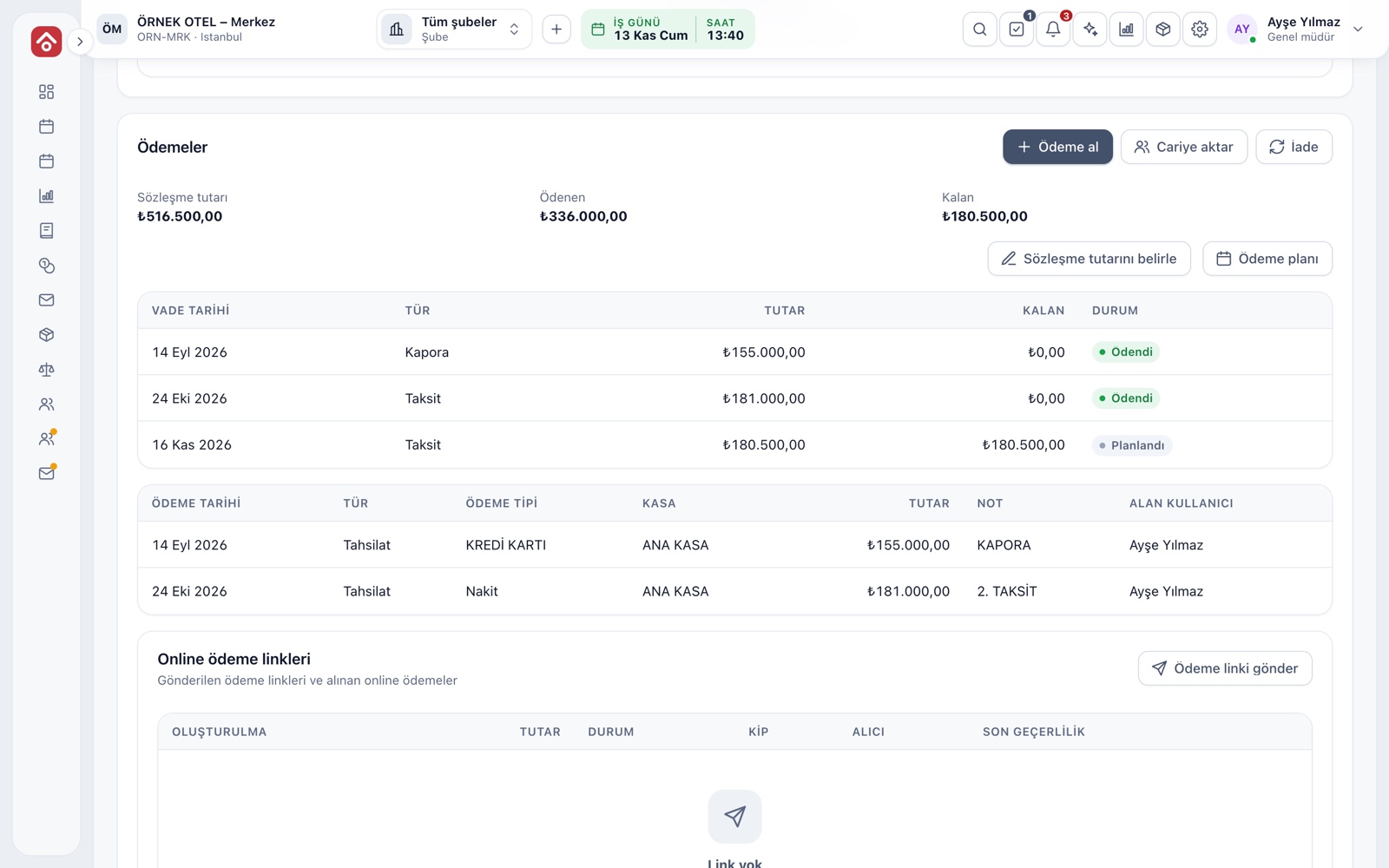
The payment plan sets deposits and installments with due dates, and the Installments wizard builds an even plan for you. Total, received and remaining amounts are always visible on the booking card. A receipt prints with each collection, and an overdue item can trigger an automatic SMS to the customer.
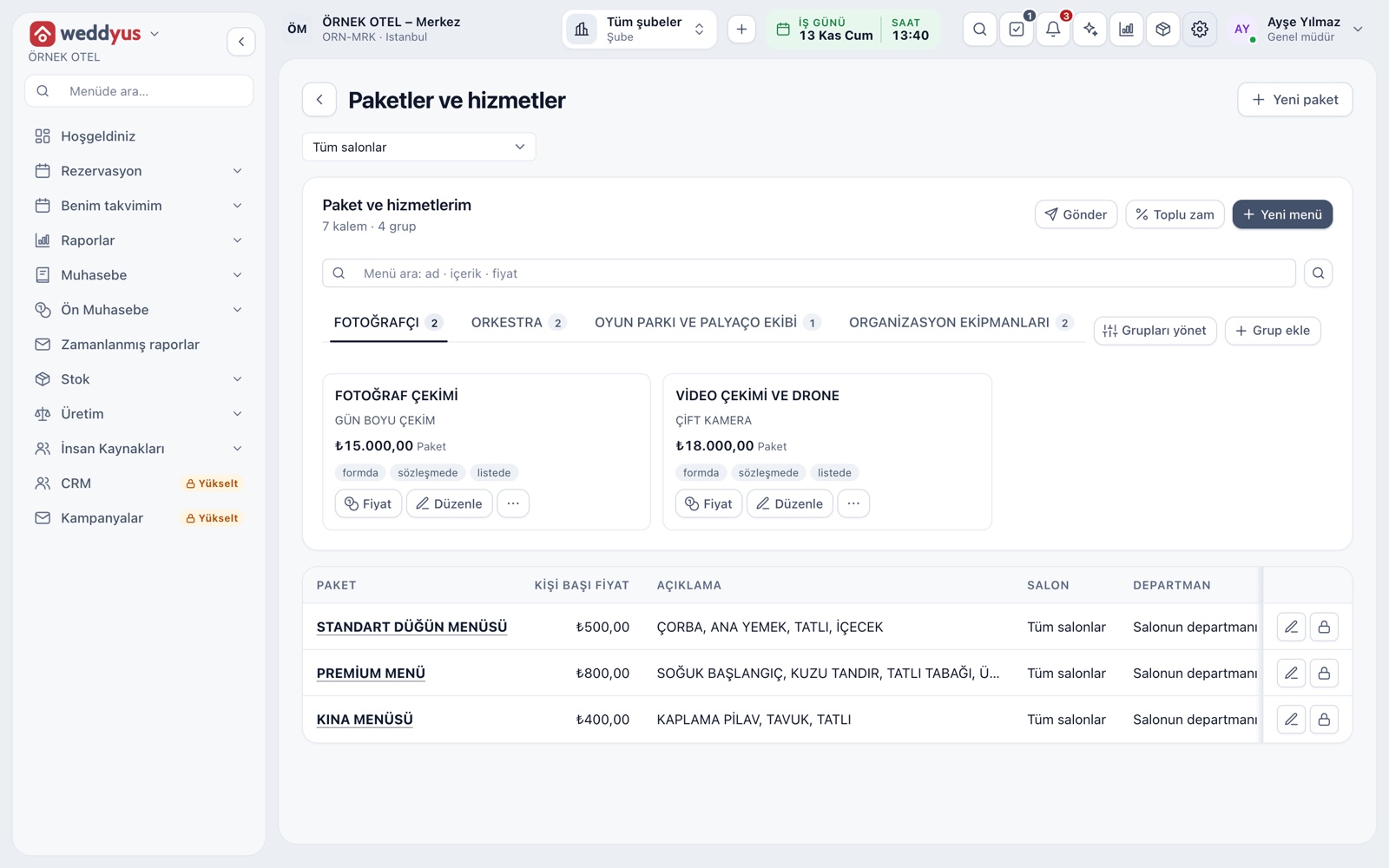
Define per-guest menu packages, products such as drinks and cake, and extras such as sound, lighting and decoration once. When you enter the guest count on a booking, quantities and amounts calculate themselves. The price list goes to the customer as a WhatsApp text or a PDF.
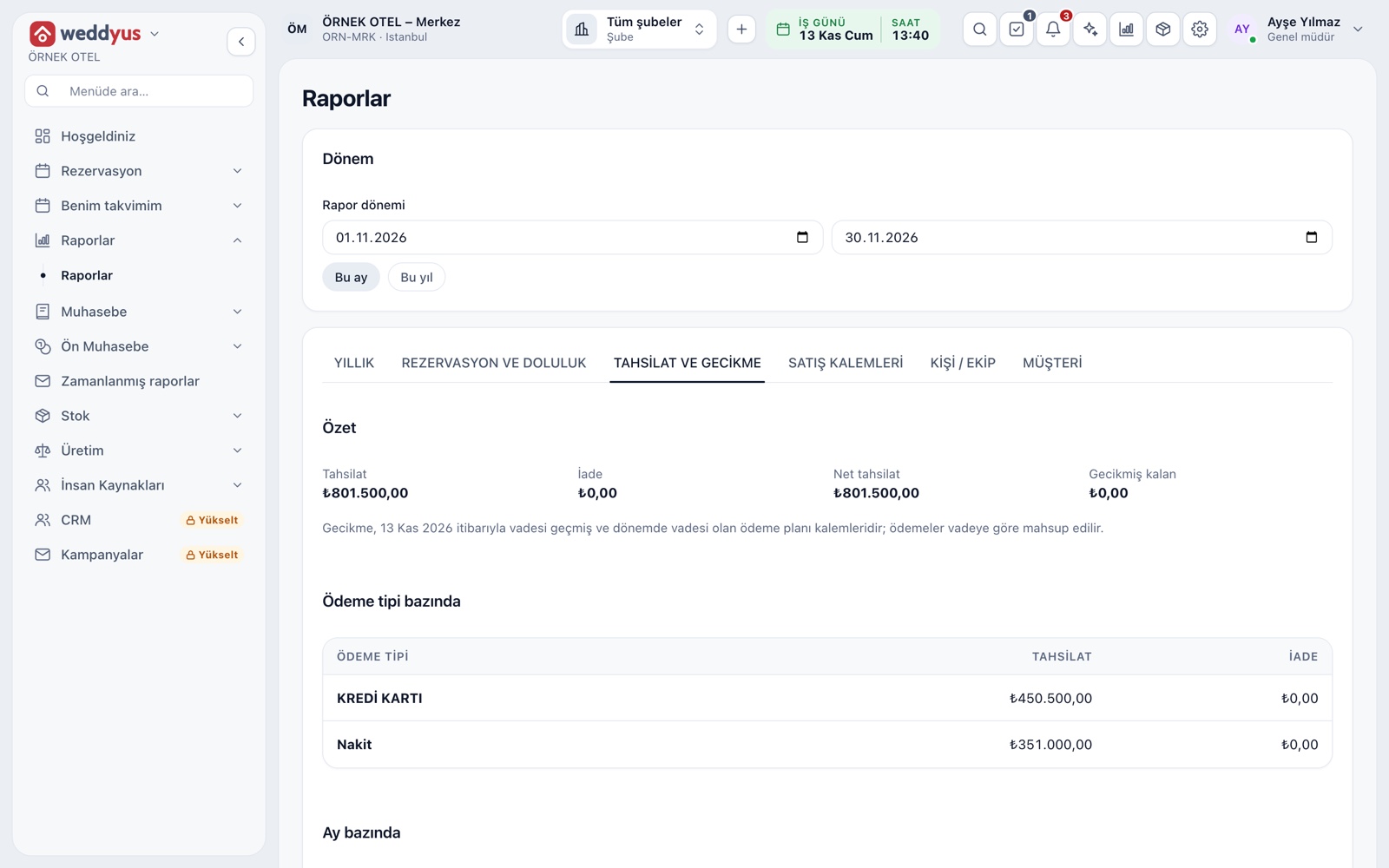
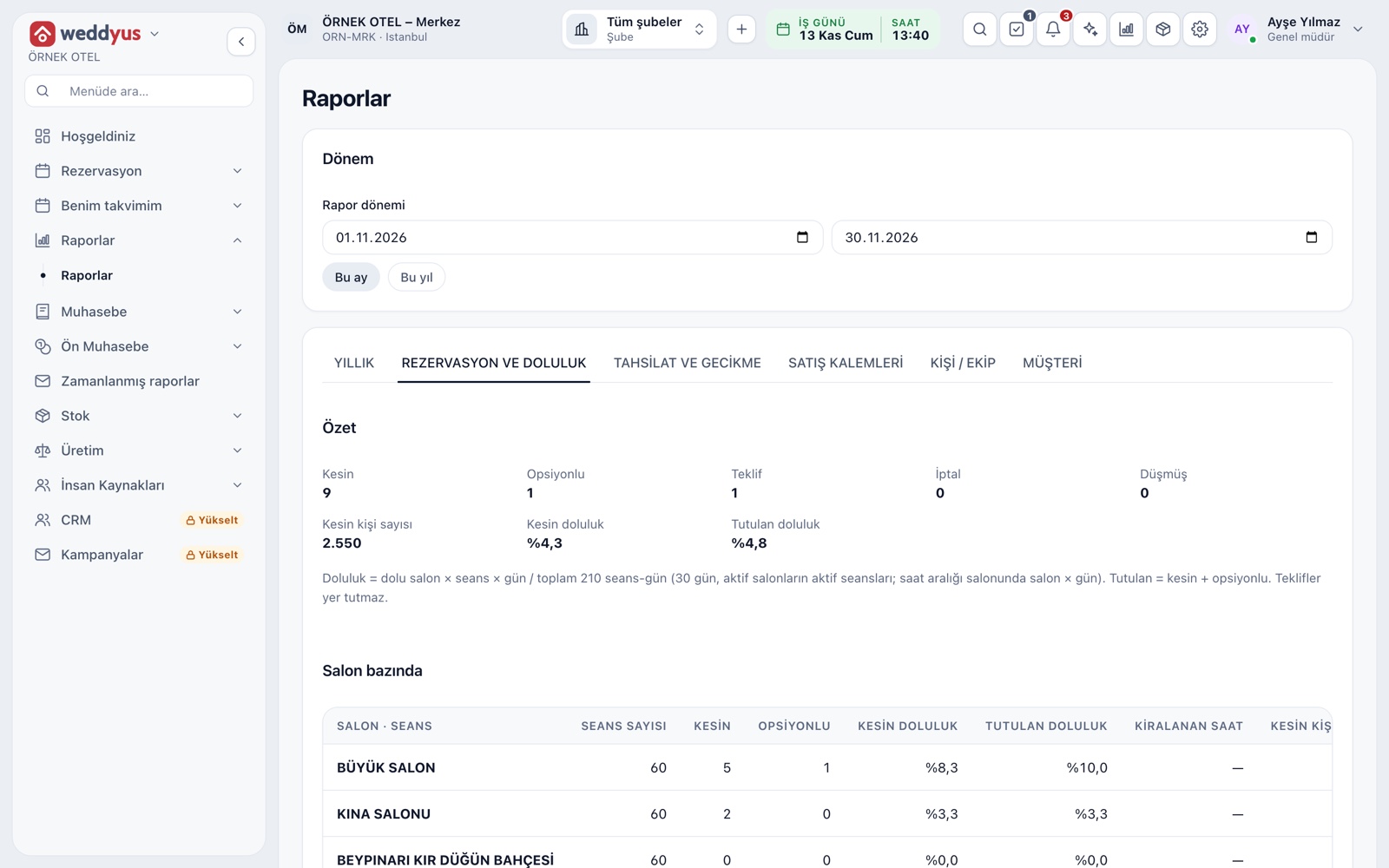
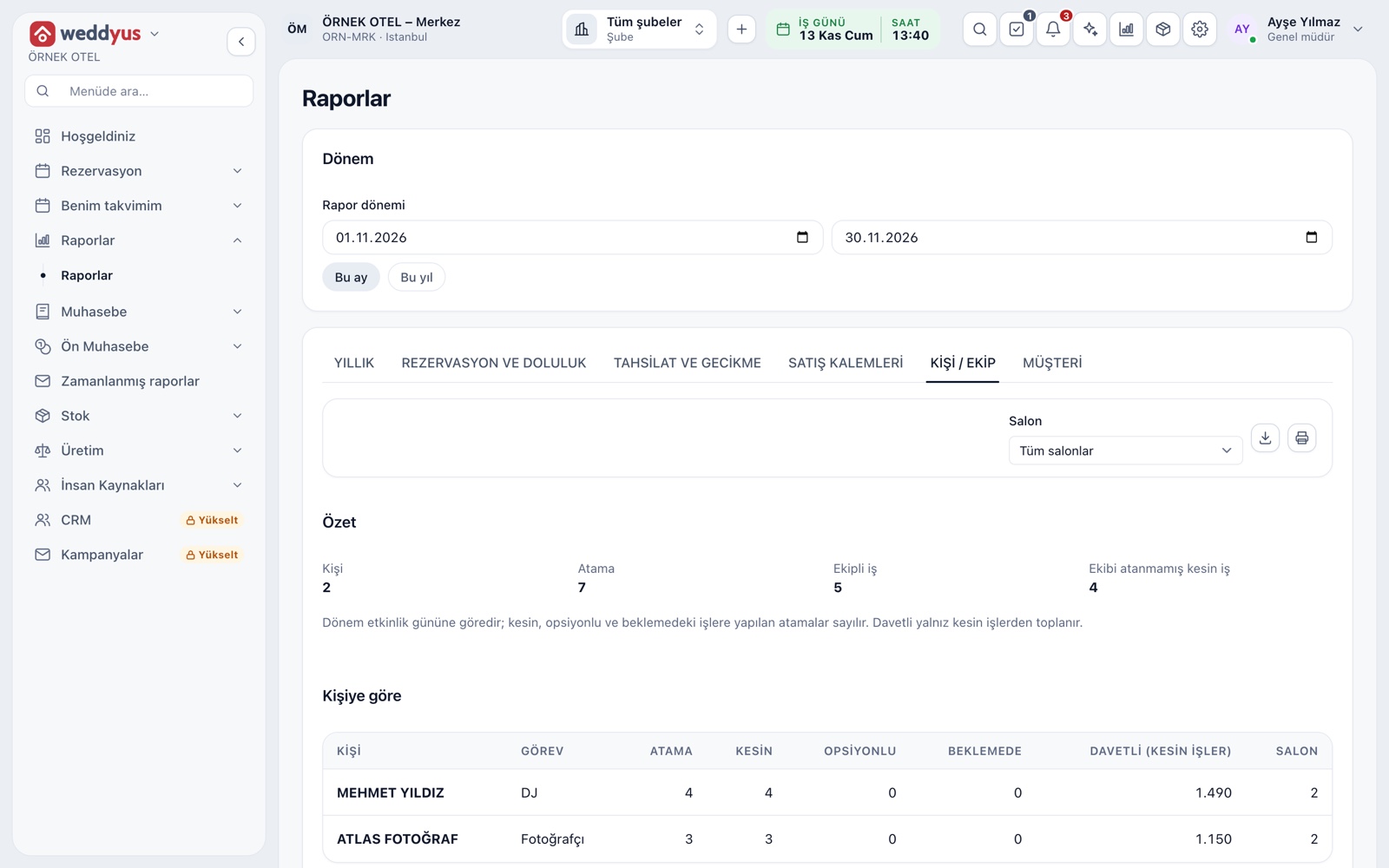
A large hall, a henna-night room and a garden are set up in one account, each with its own sessions, prices and calendar color. The reports page shows occupancy, income, collection aging, inquiry-to-contract conversion and crew workload by venue.
A full calendar is not profit. A frame for per-event contribution, a seven-step closing checklist, the measures to track and a reporting rhythm in one guide.
Read articleInstead of closing the ledger one morning, migrate in a planned way: what to move, seven steps, reconciliation, team preparation and a parallel run. A practical guide for venues.
Read articleReceivables build up quietly. A guide that splits delays into 1-30, 31-60, 61-90 and 90+ day buckets, with a step for each, a reminder rhythm and a weekly meeting agenda.
Read articleYes. weddyus opens in the browser; there is no program to install. Users see only the screens their role allows.
Yes. Each venue has its own sessions, prices and calendar color. Two venues can host events on the same day; a clash is checked only for the same venue and session.
When the option period ends, the booking lapses on its own and the venue goes back on sale. You set the period in your business settings and can send the customer an SMS before it ends.
The booking card shows the total, received and remaining amounts. Overdue items drop into the overdue list and an automatic SMS can go to the customer. For SMS you set up your own provider account.
Yes. The people working on a job are chosen with their duties. An assigned person sees only their own jobs; customer, amount and payment details are not shown to them.
Let us call you for a live walkthrough, or try it free for 1 month.