The paper ledger did its job for years, and some venues still rely on it. The problem is less the ledger itself than its limits: one copy, one person at a time, hard to search, and no way to look back and analyze. Moving to digital management is not closing the ledger one morning but a planned migration. This article offers a seven-step plan, from deciding what to move to making the ledger read-only.
Ledger versus digital record
| Topic | Paper ledger | Digital record |
|---|---|---|
| Simultaneous access | One person, one place | Many users, the same data |
| Conflict checks | Depend on human attention | A system rule |
| Searching | Turning pages | Instantly by name, phone or receipt number |
| Payment trail | Handwritten, can be altered | Dated, unalterable record and receipt |
| Reporting | Adding up by hand | Occupancy, collections and overdue reports |
| Permissions | Whoever opens the ledger sees everything | Who sees and does what is set by role |
| Risk of loss | Loss, wear, fire | Backup and access control are questions for the provider |
Three decisions before you start
- What will you move? For most businesses it is enough to move upcoming bookings, open balances, active customers, the current price list and contract templates. You do not have to move earlier years' ledgers; scan and archive them.
- Who is responsible? Give the migration an owner: one person who answers questions and tracks inconsistencies.
- When? The middle of peak season is a bad time. Choose a period before or after the season, when booking traffic is relatively calm.
Set a success criterion as well: for example, by the end of the first month nobody should still be writing new entries in the ledger. The move is also a chance to complete missing information; fix the records with no phone number, no guest count or an unclear payment plan while you are at it.
The move in seven steps
| Step | What to do | Output |
|---|---|---|
| 1. Inventory | List what the ledger records: bookings, payments, customers, crew, prices | A field list |
| 2. Set the structure | Define venues, sessions, setup and teardown buffers and event types | The venue structure |
| 3. Enter the prices | Enter venue packages and the service and product catalog | A price list |
| 4. Templates and settings | Define legally reviewed contract templates, payment types and cashboxes | A template set |
| 5. Enter the bookings | Enter upcoming bookings with their status, contract amounts, payment plans and payments already received | A single calendar |
| 6. Reconcile | Compare the total receivable in the ledger with the balance in the system, and the calendar line by line | A list of differences |
| 7. Parallel run and cutover | Keep both sources for a few weeks, then make the ledger read-only | A cutover date |
If the number of records is small, entering upcoming bookings by hand is both sufficient and instructive; the team learns the system as it goes.
Watch-outs while moving
- Date and phone formats: Fix the day-month order and the phone number format up front; the same customer ending up as two records with two spellings is a very common problem.
- Payments already received: Enter them with the dates they were actually received; entering them with today's date distorts your reports.
- Illegible lines: If a ledger entry is open to interpretation, do not guess; call the customer and confirm. A single wrongly moved date can be the source of a double booking.
- Personal data: Move only the personal data you genuinely need. Not collecting unnecessary identity details reduces both risk and workload; for retention periods and notification duties, consult your legal adviser and accountant.
Prepare the team
The weakest link in a migration is usually not the software but habit. Do the following:
- Define roles: the people who can open, change, cancel and take payments may differ.
- Set one rule for the first week: "If it is not in the system, the booking does not exist."
- Rehearse one event from start to finish: quote, hold, confirmed, payment plan, contract.
- Name one person to answer questions; if everyone starts asking someone different, inconsistency grows.
Three common mistakes
- Trying to move everything at once: Upcoming bookings first, the rest later if needed.
- Dropping the ledger immediately: Without a parallel run the team does not trust the system and records end up half-complete in two places.
- Skipping training: Even if the software works correctly, wrong usage carries the same mess into digital form.
Parallel run and cutover
During the parallel run of a few weeks, compare the two sources at the end of each day. Make your cutover criterion clear: differences close to zero and a comfortable team. After cutover, do not throw the ledger away; scan and archive it, and confirm the legal retention periods for contracts, receipts and other documents with your accountant.
Which software features make this easier?
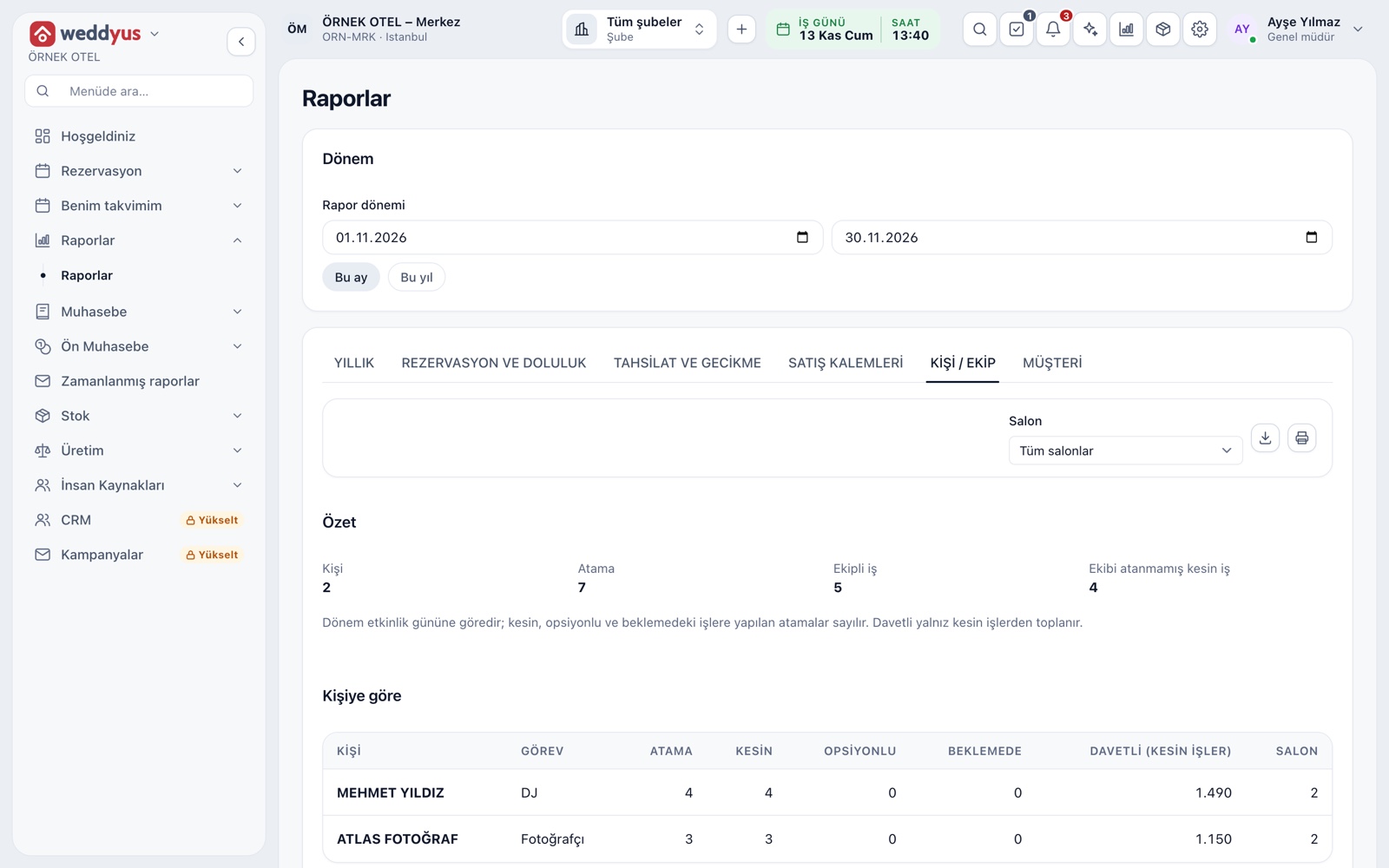
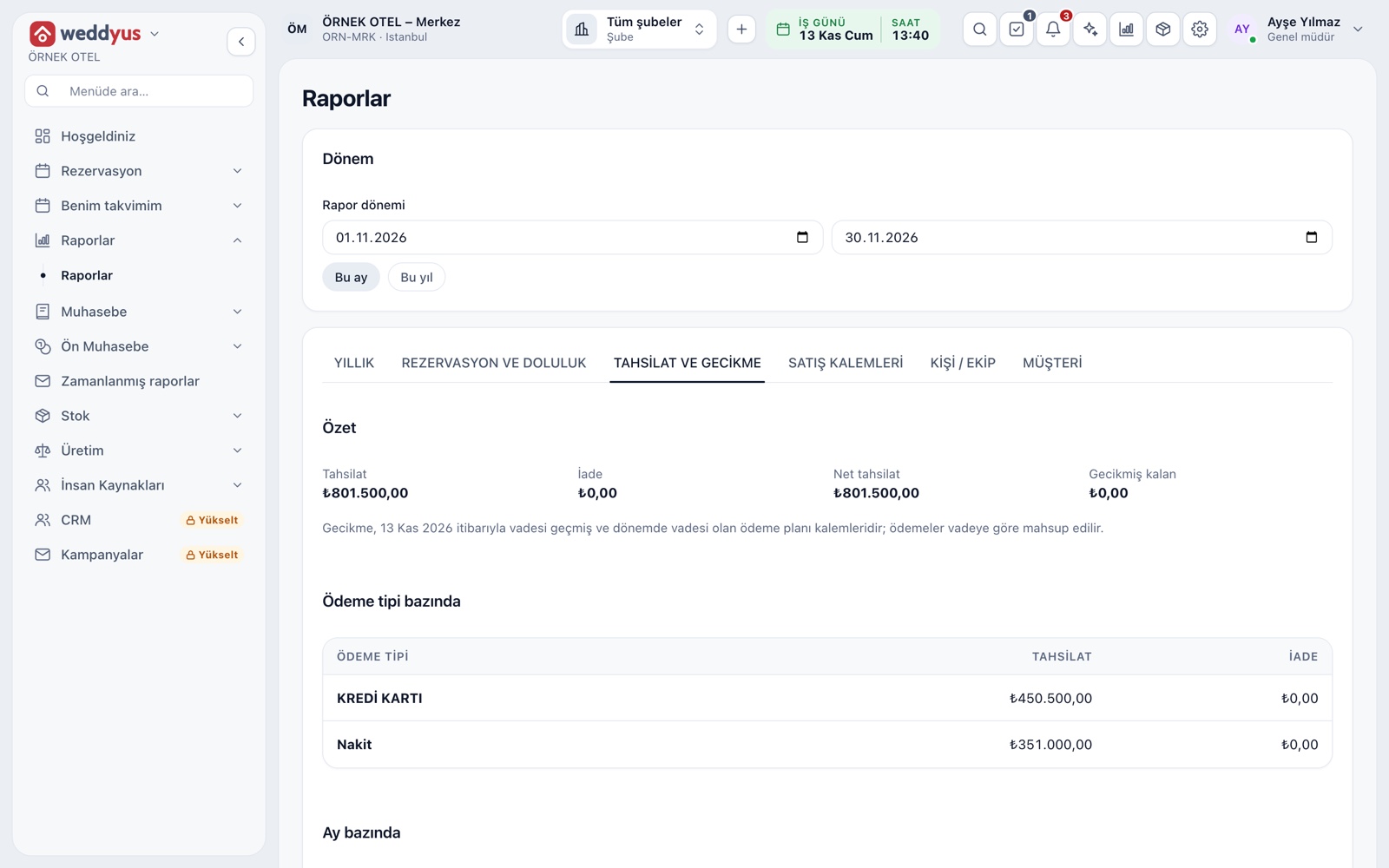
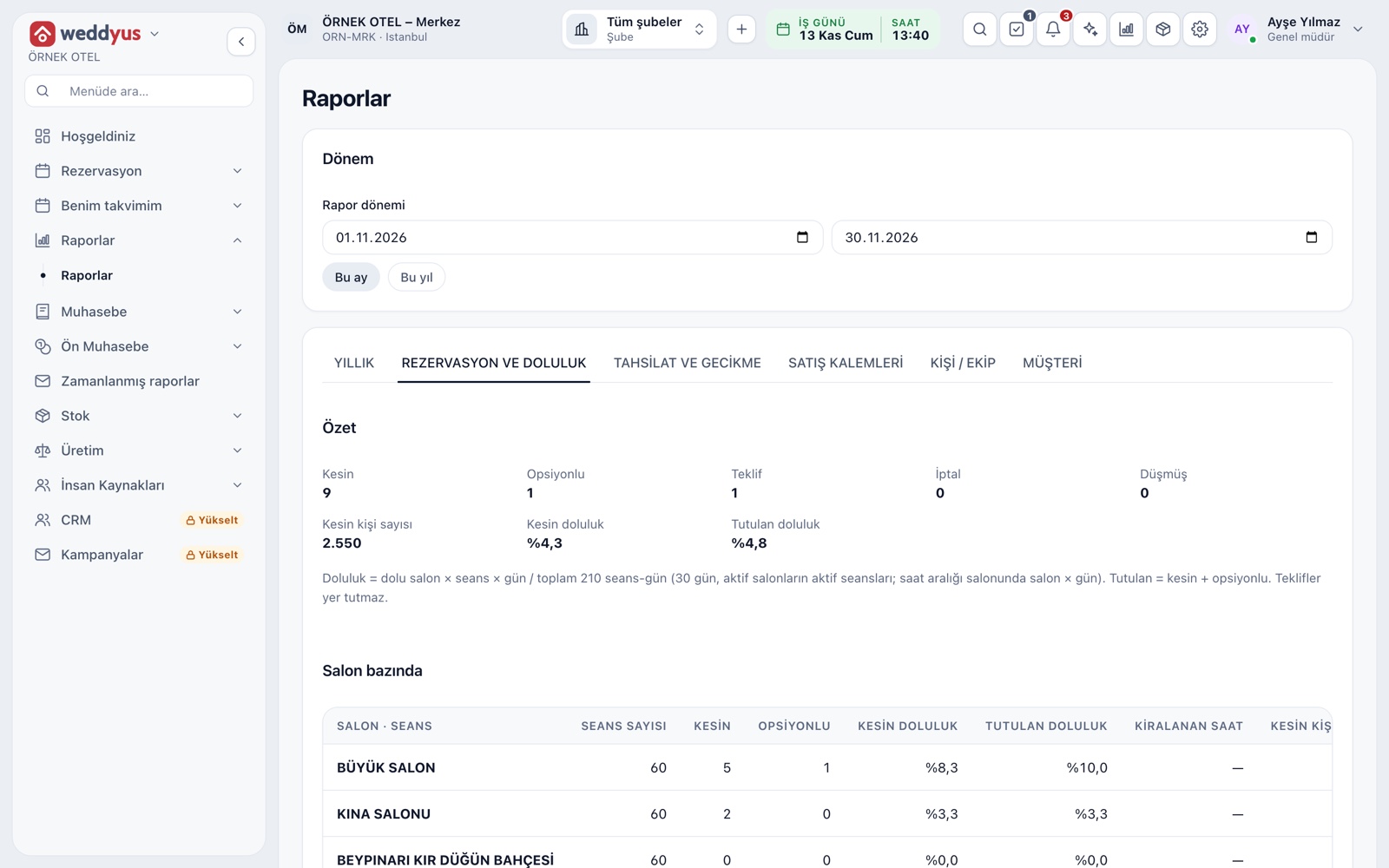
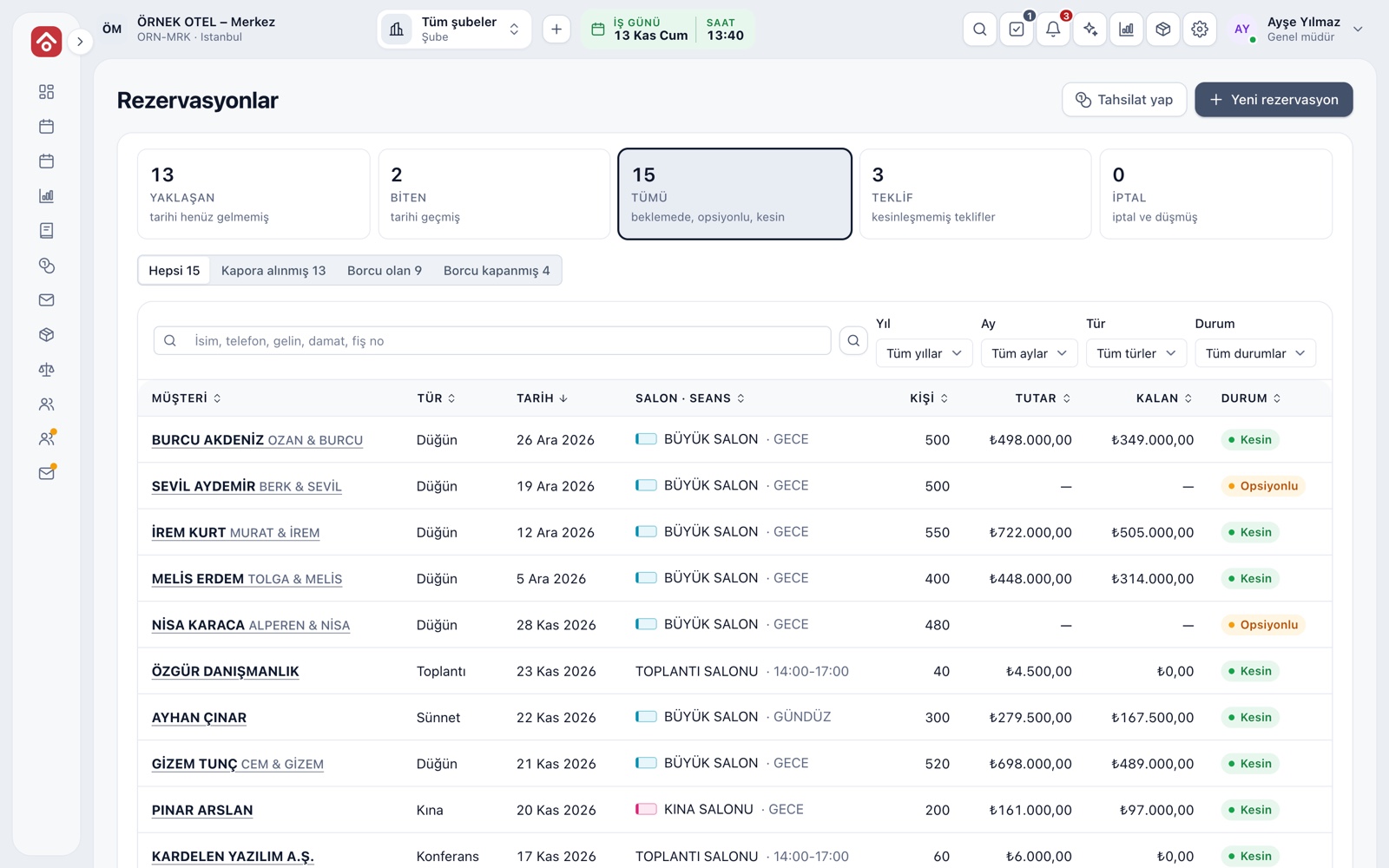
In weddyus a customer record is created automatically when a booking is saved; older bookings that have no customer are linked to customers by phone number with "Import from existing bookings", and running it again does not create new records. The booking list can be searched by name, phone, bride, groom or receipt number and narrowed by year, month, type and status. Payments already received can be recorded with their real dates, payment records cannot be changed afterwards, and corrections are made with a refund entry. View, create, update and cancel are separate permissions; no booking is deleted, and cancellation requires a reason. The calendar conflict check is a system rule. If you need bulk data transfer from another system, discuss the scope with your provider beforehand.
Conclusion
Success in a digital move depends less on the choice of software than on a planned migration: decide what to move, reconcile, run in parallel and give the team one rule. The system can do the ledger's job more safely, faster and with a full trail. You can see how the wedding file is gathered in one place on the Wedding Tracker page.