Most of what goes wrong on a wedding day is not technical but ownerless: which door was the photographer supposed to use, when was the cake coming out, who was checking the sound? The answers belong on paper before the day begins. Below you will find a skeleton that runs from event week to closing, principles for assigning tasks, and a decision guide for when things go wrong. Adjust the timings to your venue's real pace; the goal is not to copy numbers but to ask the questions.
The last week before the event
The event day starts a week earlier. Do not move on to writing the run sheet until these items are closed:
- Has the final guest count and the table layout been confirmed by the client?
- Have the menu, dietary requirements and allergy notes reached the kitchen and the service lead?
- Are the arrival time, loading point and contact phone of each outside supplier (photographer, music, sound and lighting, decor) written down?
- Has the remaining balance been settled by the day stated in the contract?
- Is there a single contact person on the client side who can be reached throughout the day?
- If there is an outdoor area, is a weather alternative ready?
A sample run of the day
The table below is a generic skeleton that treats guest arrival as "G". Replace the durations with the real ones you have measured in your own venue.
| Time | Stage | Owner | Check |
|---|---|---|---|
| Well before G | Venue handover and final clean | Venue manager | Lighting, climate control, restrooms |
| Before G | Setup: tables, decor, sound and lighting | Technical lead and outside suppliers | Supplier entry and loading point |
| Shortly before G | Kitchen prep and service briefing | Head chef and service lead | Menu, dietary notes |
| Near G | Welcome, valet, security | Welcome lead | Has the client contact arrived? |
| G | Guest arrival, program starts | Event lead | Program timings |
| Throughout | Service, music, photography | Service lead, music and video teams | Volume level, finishing time |
| End | Guests leave, first handover | Venue manager | Lost property, damage check |
| After the end | Teardown and cleaning | Cleaning lead | Is the buffer enough for the next event? |
If the "owner" column carries job titles, it keeps working through shift changes; but on the event day, write a real name and phone number next to every title. Reporting lines should be written down too; when a decision about the program is needed, everyone should know whom to go to.
Five principles of task assignment
- Give every task a single owner and a backup. "The team will handle it" is not an assignment.
- Write task cards. What is to be done, when, where, with whom, and who is told when it is finished?
- Delegate decision authority in advance. If food runs late, the sound limit is exceeded or the guest count rises, who decides what? The client should not have to call the venue manager at that moment.
- Use one communication channel. One group for the team and one contact person on the client side. Three separate threads mean three versions of the truth.
- Bind outside suppliers by contract. Arrival time, setup time and equipment space should be written down; a late supplier shifts the whole schedule.
What a task card looks like
A task card should not run past half a page. An example for the service lead: "Briefing: before guests arrive. You have: the final guest count, table layout, dietary list. Your authority: to shift the service order together with the kitchen. If there is a problem: first the venue manager, then the event lead. Done: tell the manager when the last table has been served." The card should be detailed enough for the owner to work without asking questions, and short enough to be read during the day. Instead of rewriting the same card for every event, keep a template and update it per event.
A decision guide for trouble
Most problems are foreseeable. Write the "plan B" in advance for these cases:
- A supplier is late: Whom do you call, how long do you wait, how is the program shifted?
- A power or sound failure: Where is the spare equipment and who brings it in?
- More guests than expected: At what threshold do extra tables and service capacity kick in, and who decides?
- The weather turns: How many minutes does it take to move from outdoors to indoors, and who runs it?
- Damage or an accident: Who writes the report, and when is the client told?
Closing: a short meeting the next day
On the first working day after the event, hold a twenty-minute meeting. What went well, what slipped, which task had an unclear owner? Record the notes on the booking so the same mistake does not repeat at the next event. Damage, shortages and extra-service items should be handed over to billing and collections that same day.
Supporting it with software
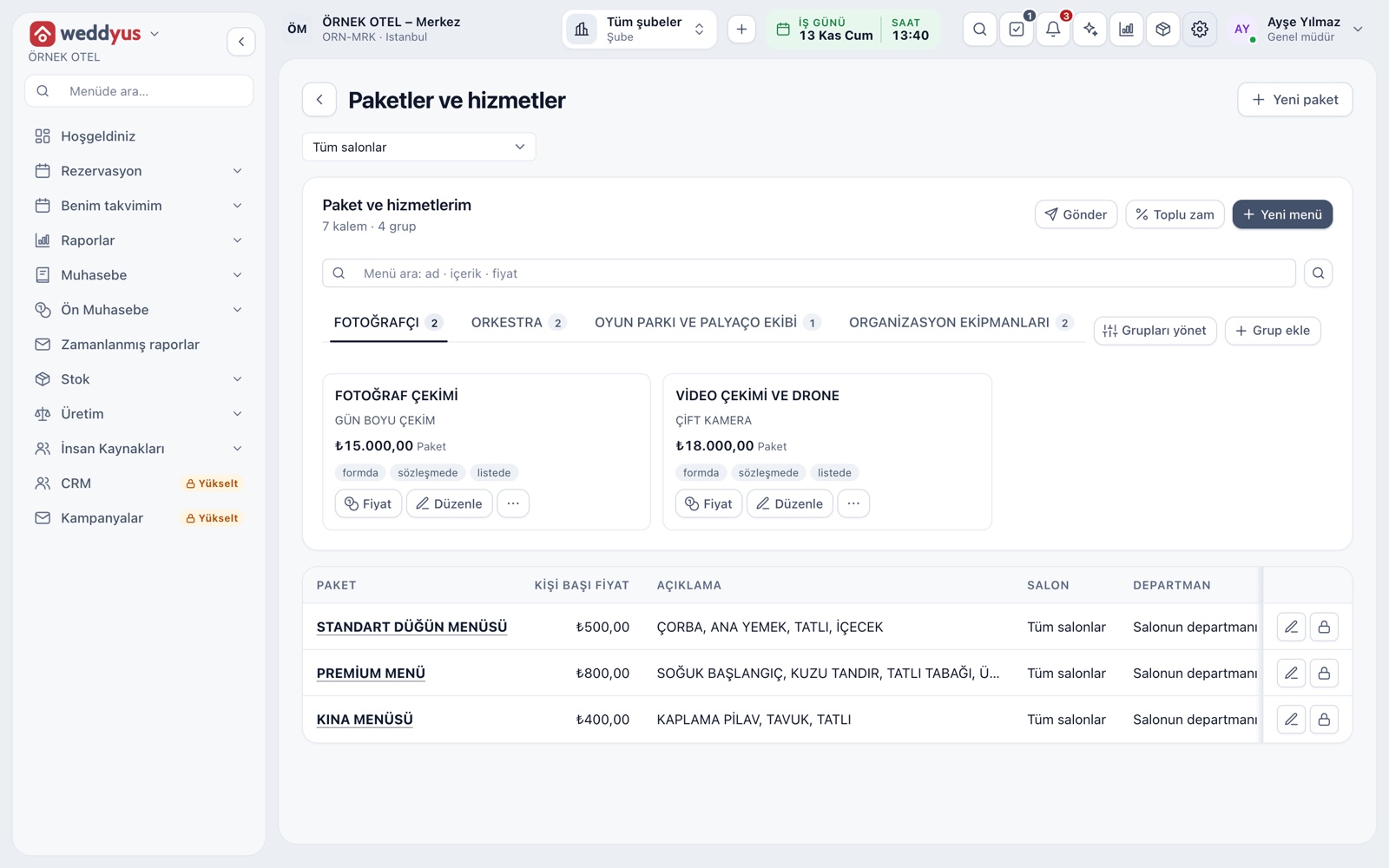
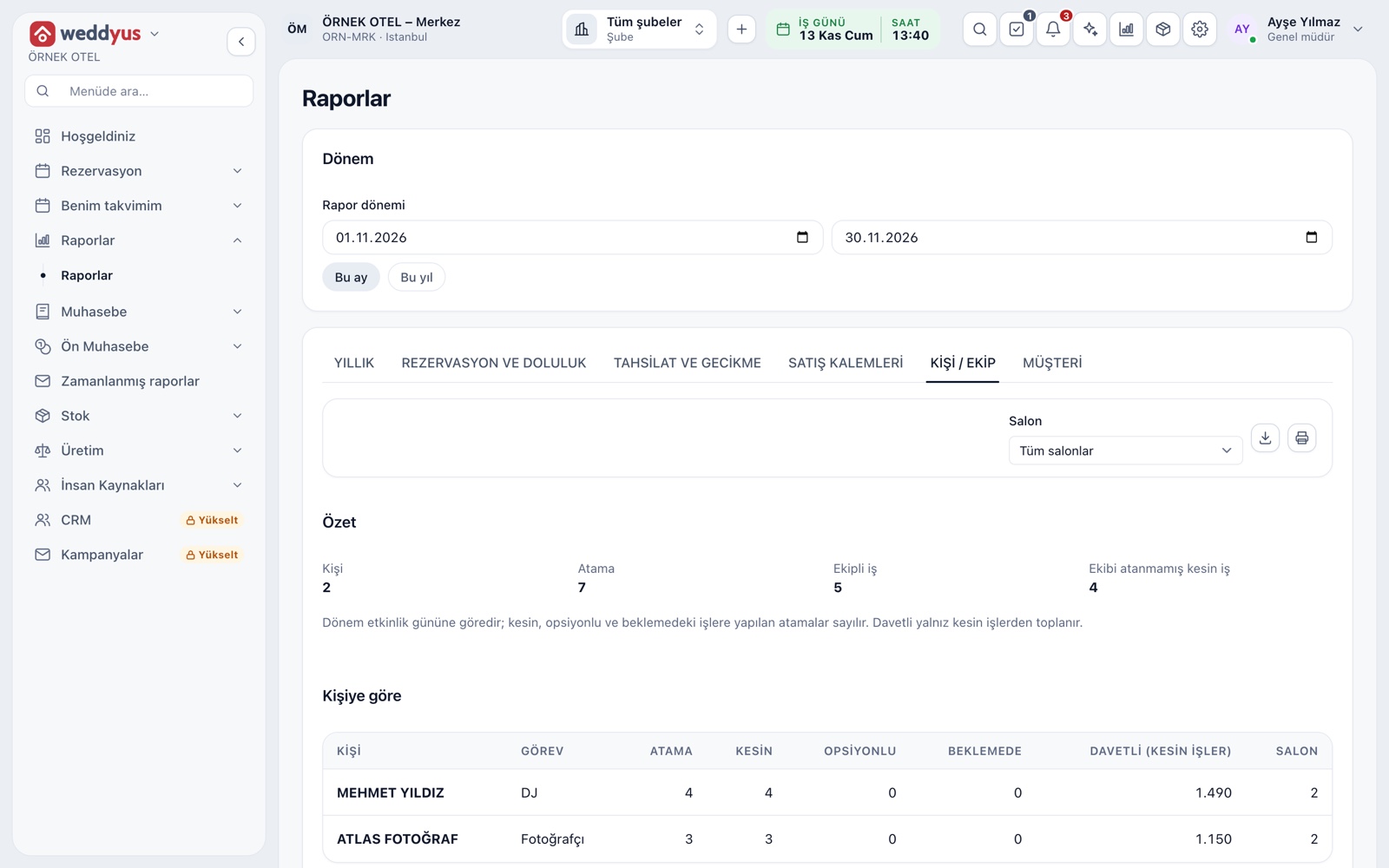
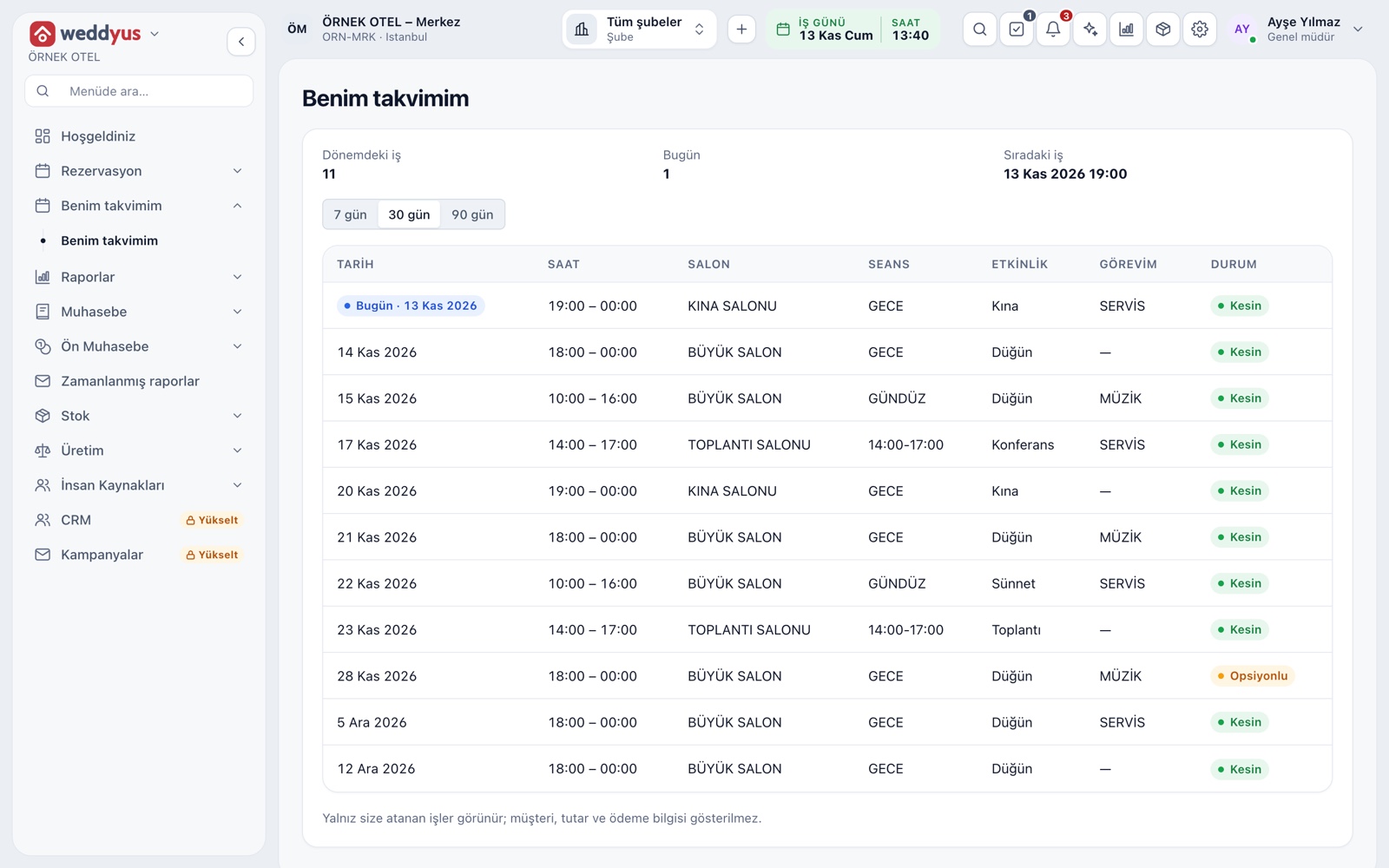
In weddyus the crew side of this flow works as follows. From the "Who works on this job" field on the booking, outside suppliers are picked from the staff list with a role (photographer, DJ, orchestra, videographer, sound and lighting, valet, decor, organizer, catering crew and so on). Staff members who have an account see only the jobs assigned to them on the "My calendar" screen; customer, amount and payment details are not shown there. An in-app reminder arrives the day before the job and again as the start time approaches. The "People / Crew" report shows confirmed jobs that have no crew assigned, so an event where the assignment was forgotten is noticed before the day arrives. To build an event order (BEO) that collects the hour-by-hour run, the menu and the table layout in one sheet, you can write the run sheet in the booking note and in your own template.
Conclusion
A calm event comes less from good intentions than from a well-written run sheet: every task has an owner, every problem has a plan B, and every supplier has an arrival time. To manage crew assignments and reminders in one place, take a look at the Event Operations page.