Wedding demand does not spread evenly across the year. Some months, some weekends and some sessions fill up long in advance; others stay empty. Pricing is the strongest tool for managing that wave, but used badly it costs both revenue and brand value. This article does not offer a price list, because the right price depends on your region, your venue and your own data. Instead it shows how to read demand, how to build price tiers and how to deal with the empty dates.
Three axes of demand
At wedding venues, demand usually varies along three axes:
- Season: In many regions the period from late spring to early autumn is busy and the winter months are quiet. But climate, local customs, the school calendar, public holidays, religious holidays and Ramadan can change that picture from region to region.
- Day of the week: Weekends generally see much more demand than weekdays; at many venues Saturday is the most valuable day.
- Session of the day: There is a difference in demand and price between an evening session and a daytime session.
Measure how much each of these axes weighs at your venue with your own records, not with assumptions.
Read demand from your own data
Your booking records carry enough information to write next year's price table. Ask these questions:
| Question | Data to look at | Decision to take |
|---|---|---|
| Which months fill up early? | Month the booking was made vs event month | Price increase, early close or stricter deposit |
| Which days and sessions stay empty? | Confirmed and held occupancy by session | Packages, targeted promotions |
| Which event type fills the gaps? | Bookings by event type | Targeted sales and marketing |
| Which discounts actually work? | Discount reason and outcome | Simplify the discount policy |
| What changed compared with last year? | Year-on-year comparison | Price and capacity targets |
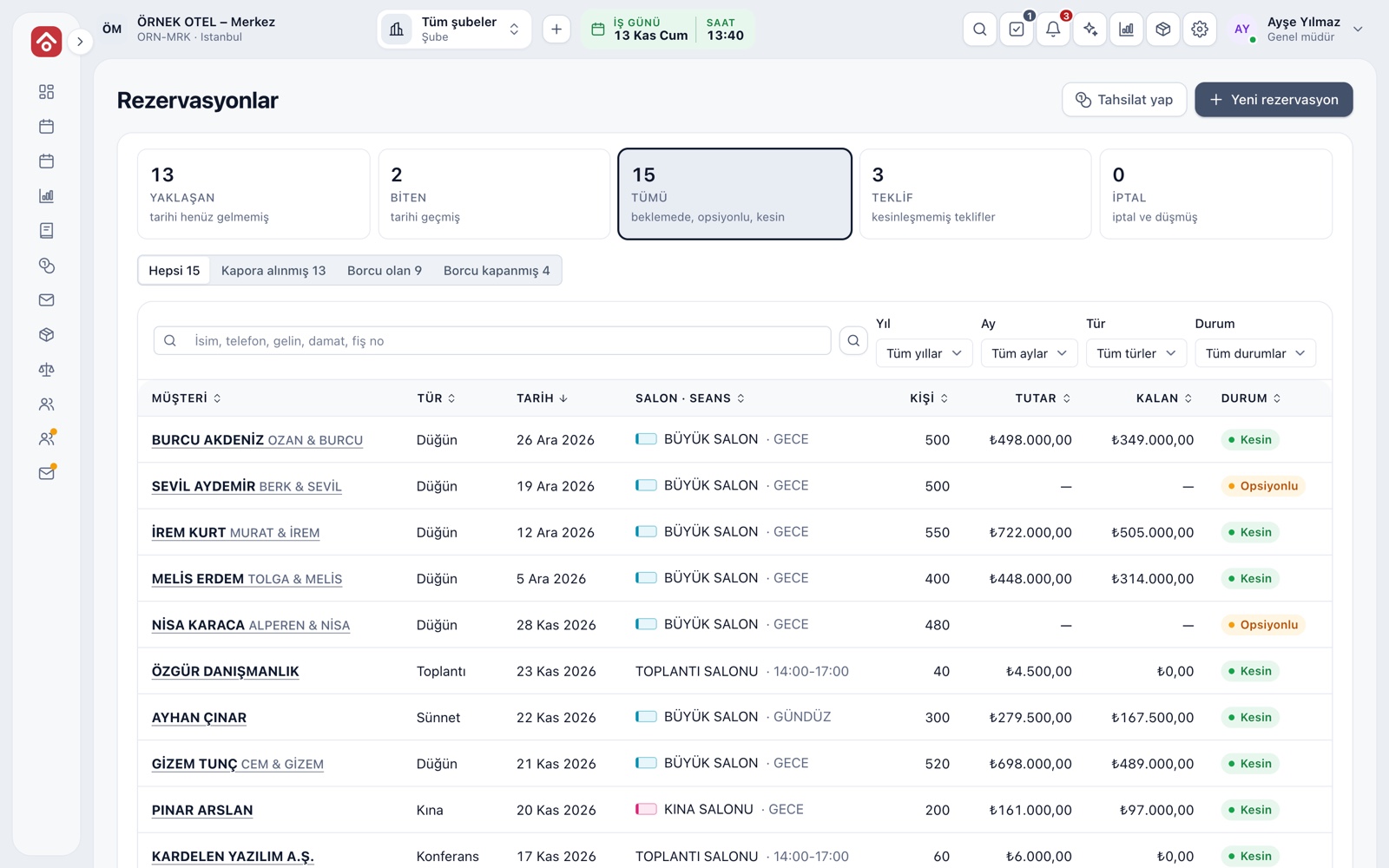
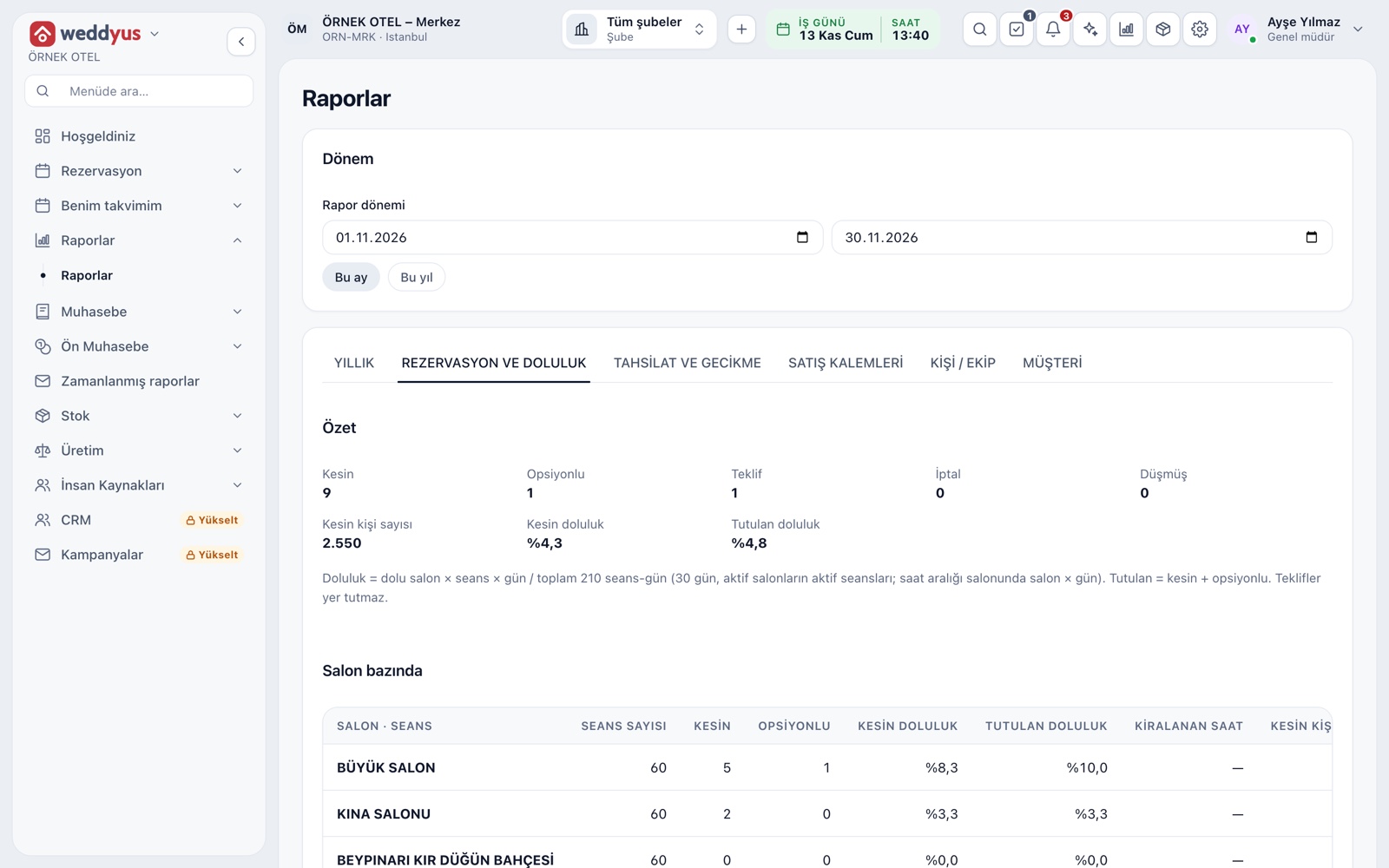
Track "confirmed" and "held" occupancy separately: confirmed bookings indicate realized revenue, while options indicate near-term potential.
Build price tiers
A few tiers instead of one price give a structure that follows the intensity of demand:
| Tier | Example period | Approach | Watch out for |
|---|---|---|---|
| Peak | Saturday nights in season | Hold the price, keep deposits and due dates strict | Do not make discounts a habit |
| Mid | Friday, Sunday, weekend daytime | Mid-level package, flexible menu | Do not pull peak-tier customers down |
| Quiet | Weekdays and winter months | Comprehensive package, extra-service benefit | Try adding value rather than cutting price |
The numbers are not the subject of this article, but keep the number of tiers low. Two or three tiers make a structure the team can remember and explain to customers.
Packages with date ranges
Define seasonal prices as named packages such as "Summer season" or "Weekday daytime" and write a start and end date of validity for each package. That way you do not have to argue about which price applies on which date when you quote. At season changes, the new price takes effect according to the date range. Even if a package price changes after a booking is made, the customer's contract amount should stay the same; otherwise a price increase turns into a trust problem with existing customers.
Ways to fill empty dates
- Widen the event types: Besides weddings, engagements, henna nights, circumcision parties, corporate dinners, meetings and cocktail receptions can fill empty sessions.
- Weekday and daytime packages: Shorter, simpler-menu packages work in this window.
- Early-payment advantage: A limited discount defined for upfront or early payment also helps cash flow.
- Last-minute gaps: Announce upcoming empty dates first to your own customer list and to partners such as planners and photographers.
- Record discounts with a reason: If bargaining, promotion, early payment, season and loyal customer are kept apart, you can see which one worked.
Common pricing mistakes
- Looking only at nearby prices: Base your decisions on your own cost and occupancy data.
- Making a promotion permanent: Constant discounting makes the normal price worthless.
- Raising prices in one step: A gradual increase announced in advance meets less resistance.
- Letting everyone flex the price: Deviation from the catalog price should require permission and be visible in the record.
- Changing the price after the contract: The signed amount should stay independent of next season's price list.
An annual decision calendar
- Off-season: Decide next season's price tiers, packages and validity dates during the quiet period; put last year's empty weekends on the table.
- Before the season: Open the early-booking period with your deposit and due-date rules.
- During the season: Once a month, look at the occupancy table for the coming few months and act on empty dates in good time.
- End of season: Compare the reports with last year's and assess the result of every discount.
Supporting it with software
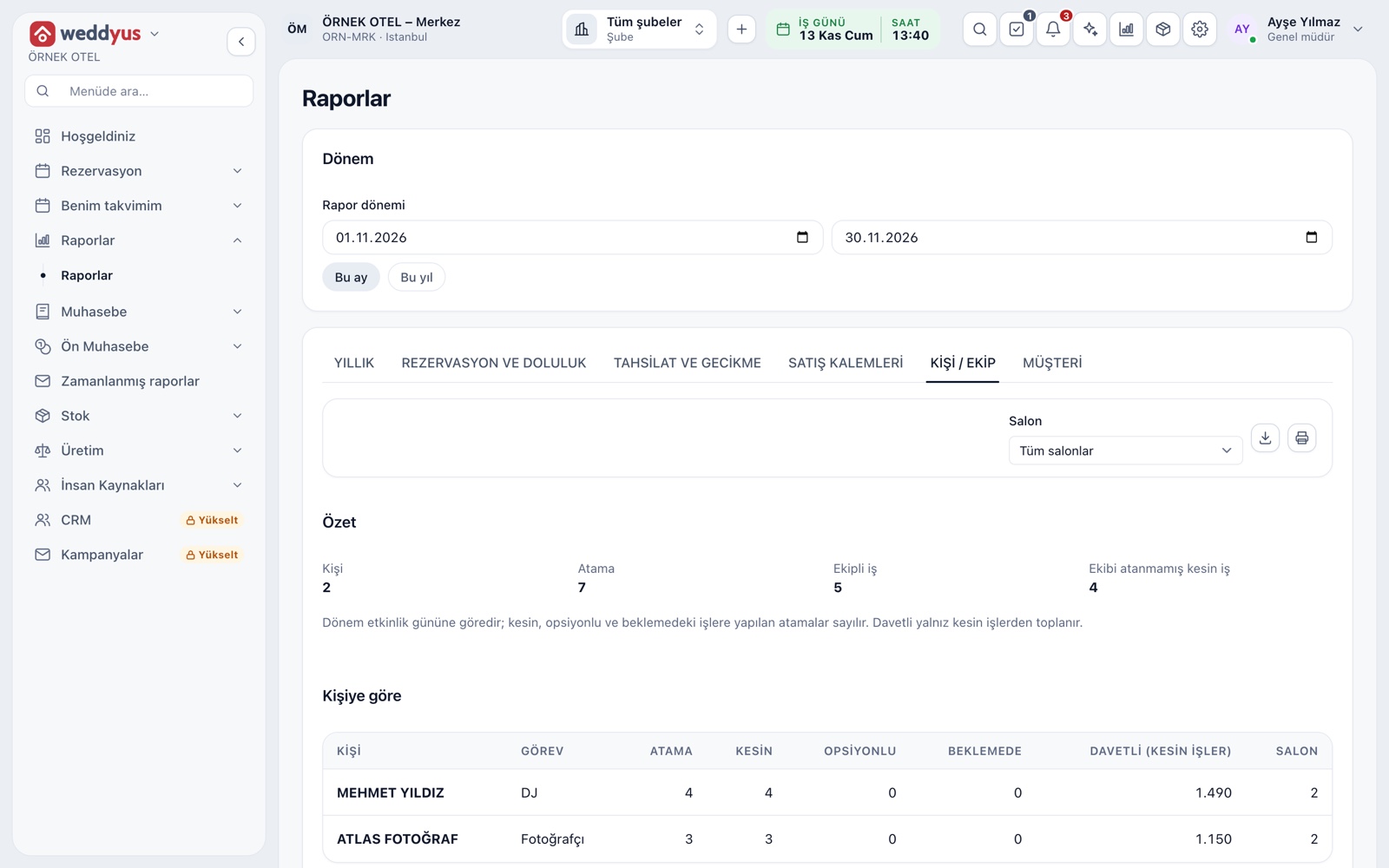
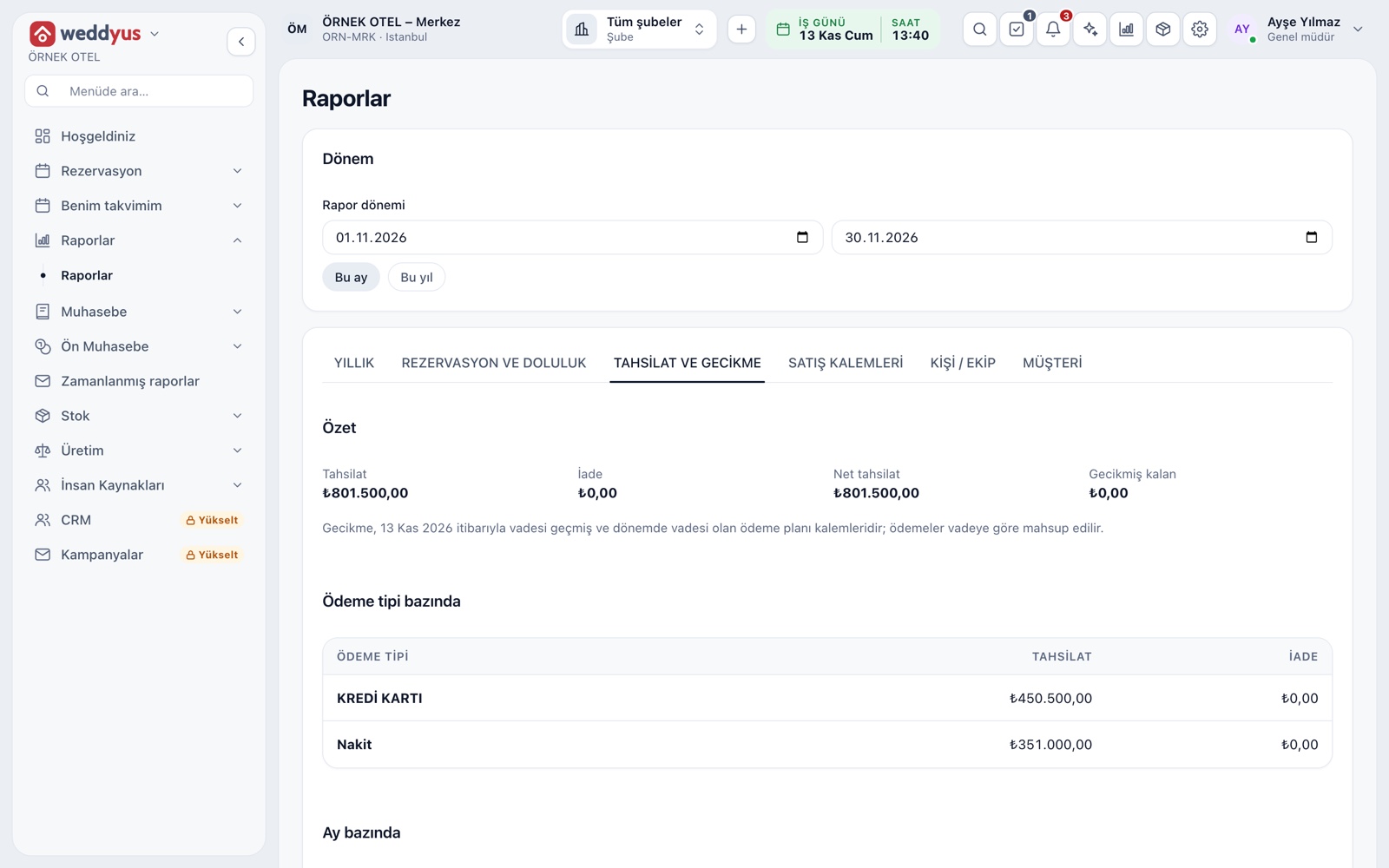
In weddyus, venue packages are defined as named prices and can carry an optional start and end date of validity; even if a package price changes later, the amount on an existing booking is kept. The booking and occupancy report gives confirmed and held occupancy over a period by venue, event type and month. The yearly report compares overview, guest numbers and monthly income with the previous year and shows the month a booking was made against the month of the event in a matrix. Public holidays, religious holidays and special days are marked on the calendar. Discounts are stored with a reason and a date; entering a price different from the catalog price requires permission and goes into the audit record.
Conclusion
Seasonal swings are unavoidable, but they need not be a surprise. Read demand from your own data, build two or three price tiers, tie packages to date ranges and fill empty dates by widening the event types. You can find what the occupancy and revenue reports show on the Venue Reports page.