A venue that has promised the same Saturday night to two couples has made one of the most expensive mistakes in the business: two awkward phone calls, one family forced to move its date, and often a refund and a bruised reputation. Behind a double booking there is rarely carelessness. The usual cause is scattered records: one date in a notebook, another in a chat thread, a third in a staff member's head. This guide gives you seven rules and a weekly checklist for building a calendar that leaves no room for overlaps.
Where double bookings come from
A single mistake seldom causes one. Usually several of these combine:
- Too many places to record: A ledger, a spreadsheet, a messaging app and a phone contact list are all in use at once, and nobody knows which one is current.
- Verbal holds: When nobody writes down who is holding a date and until when, the date either sits empty for months or is sold again without anyone noticing the hold has lapsed.
- Two conversations at once: The salesperson on the phone and the manager showing a couple around quote the same date without knowing about each other.
- Forgotten turnover time: The evening setup is scheduled before the afternoon event has even been cleared.
Rule 1: Define the unit of your calendar
Writing only "day" on the calendar is not enough. The unit of booking is the venue plus a time slot. Your business may use one of these two models, or both:
| Rental model | How it works | Conflict test | Typical use |
|---|---|---|---|
| Fixed session | Predefined slots such as daytime and evening | Same venue, same session, same date | Wedding, engagement, henna night |
| Hourly range | Start and end time are entered on the booking | Times, including the turnover buffer, cannot overlap | Meeting, cocktail reception, short event |
Define sessions that run past midnight (for example 18:00-00:00 or 22:00-02:00) up front; otherwise a conflict with the next morning's event slips through.
Rule 2: Write down what each status means for the calendar
Everyone on the team should give the same answer to one question: does this record hold the date?
| Status | Holds the date? | Duration | Next step |
|---|---|---|---|
| Quote | No | As long as the price is valid | Becomes an option or confirmed |
| Option (hold) | Yes | Limited, with a written expiry date | Is confirmed or lapses on expiry |
| Confirmed | Yes | Until the event | Event takes place |
| Cancelled / lapsed | No | None | Date goes back on sale |
It matters that a quote does not hold the date: you can give a price without locking the calendar. Just tell the customer that several quotes may exist for the same date and that the date goes to the first booking that is confirmed.
Rule 3: Never leave a hold without an expiry date
A hold gives the customer time to decide while you keep the date reserved. Its price is the chance of losing another customer who could have bought that date. So:
- Set the hold length by season: shorter in peak months, somewhat longer in quiet ones.
- Call the customer a few days before the hold expires; a surprise lapse pleases nobody.
- Limit extensions to one, and put it in writing.
- If you truly must hold a date open-ended (for example while a family waits on a decision), record it as a separate status with a named owner rather than calling it a hold.
Rule 4: Put setup, teardown and cleaning time on the calendar
A venue is not empty the moment the last guest leaves. Define the time needed for dismantling decor, cleaning and the next setup, in minutes, for each venue. If the buffer is too short, the second event starts late or its preparation is rushed. For venues with daytime and evening sessions, ask: is the gap between the end of the daytime event and the start of evening setup realistic?
Rule 5: One place to record, one front door
Every request, whether it comes by phone, in person, through social media or via an acquaintance, goes into the same calendar. One written principle is enough: "If it is not on the calendar, the date is not taken." Personal notes and screenshots in a phone gallery do not count as records. If several people create bookings, it should also be visible who did what: whoever opened, changed or cancelled a booking should be traceable in the record.
Rule 6: Do not leave conflict checks to people
People get tired, rush, and do not want to keep the caller waiting. That is why the check belongs in the system. From venue management software, expect the following:
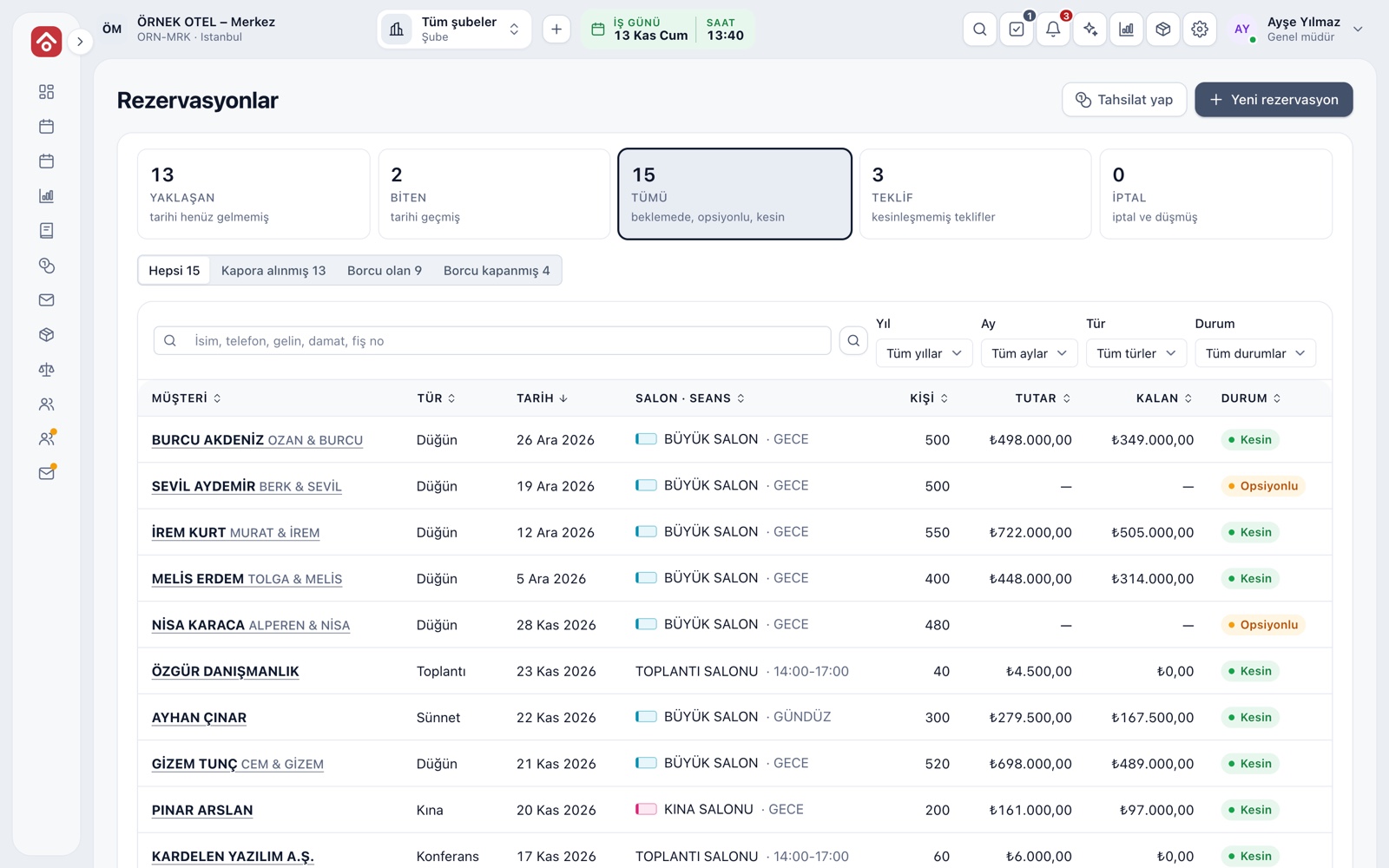
- It rejects a second confirmed, optioned or pending booking for the same venue, session and date.
- It includes setup and teardown buffers in the check.
- The check runs on the server and database, not just on screen, so that when two people try to save at once the second is refused.
- Bookings are cancelled with a reason instead of being deleted, so the venue frees up but the history stays.
weddyus does all of this: a quote does not hold the date and shows a warning if it is written on a taken date, an option expires automatically and frees the venue, and a cancellation requires a reason.
Rule 7: Look at the calendar from above, too
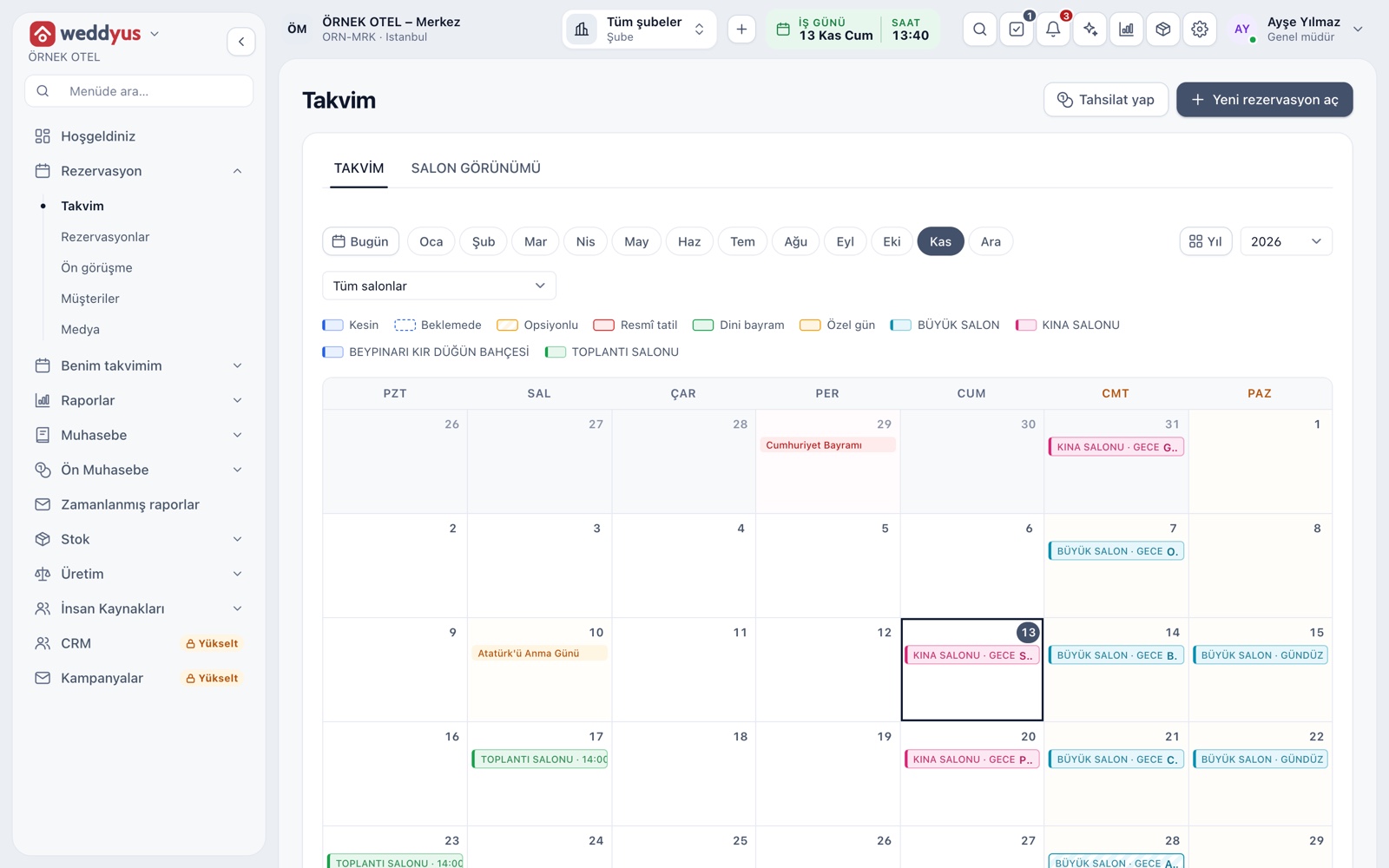
The monthly view shows how full each day is, while a venue-by-venue strip shows which venue is free on which night. Mark public holidays, religious holidays and local special days on the calendar; demand concentrates around them and they affect your pricing decisions as well. At the end of each month, list the weekends that stayed empty; they are the raw material for next year's pricing and promotion decisions.
Weekly checklist
- List the options that expire this week and call the customers.
- Put the dates of lapsed options back on sale.
- Review dates that look taken but only carry a quote.
- Verify setup and teardown buffers for events in the next two months.
- Is anything recorded outside the calendar (ledger, messages)? If so, move it in.
Conclusion
A calendar without overlaps is a rule before it is software: every date lives in one record, in one status, with one owner. Once the rules are written down, software can enforce them for you. The weddyus venue calendar works this way; see Venue Calendar and Booking for details.